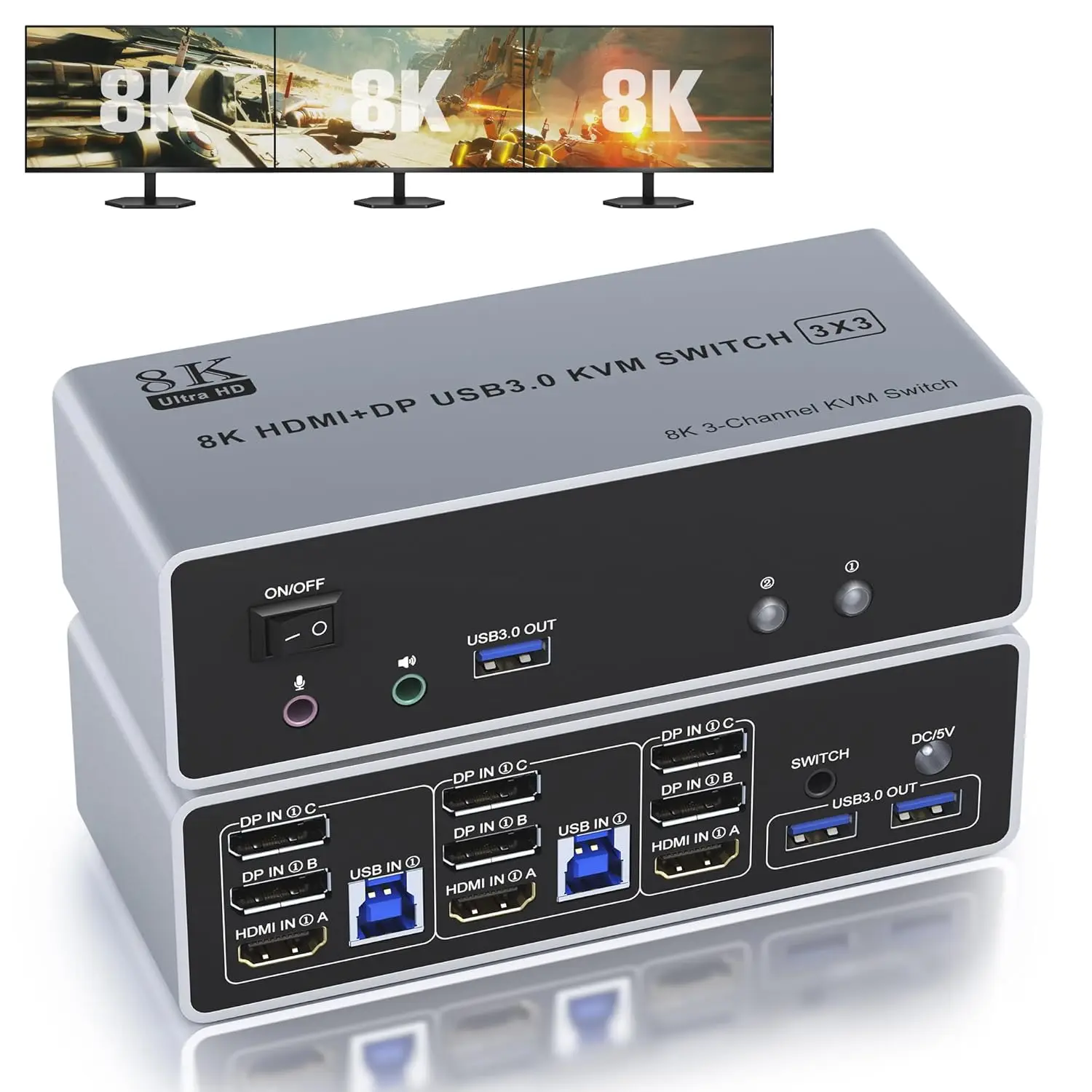
KVM Switch 3 Monitors 2 Computers 8K@60Hz 4K@144Hz HDMI and 2 Displayport Triple Monitor KVM Switch for 2 Computer Share 3 Monit
Category: Computers
SKU: CS-32F6116E8E755C6C
Key Specifications
From product details- width
- 100%;
- height
- 100%;
- background-repeat
- no-repeat;
- background-size
- cover;
- position
- relative;
- max-width
- 1464px;
- margin-left
- auto;
- margin-right
- auto;
Product Details & Specifications
KVM Switch 3 Monitors 2 Computers 8K@60Hz 4K@144Hz HDMI and 2 Displayport Triple Monitor KVM Switch for 2 Computer Share 3 Monit — aplus-v2 .container-with-background-image {width: 100%;height: 100%;background-repeat: no-repeat;background-size: cover;}.aplus-v2 .apm-brand-story-carousel-container {position: relative;}.aplus-v2 .apm-brand-story-carousel-hero-container,.aplus-v2 .apm-brand-story-carousel-hero-container > div {position: abs…
From the brand .aplus-v2 .container-with-background-image { width: 100%; height: 100%; background-repeat: no-repeat; background-size: cover; }.aplus-v2 .apm-brand-story-carousel-container { position: relative; }
.aplus-v2 .apm-brand-story-carousel-hero-container, .aplus-v2 .apm-brand-story-carousel-hero-container > div { position: absolute; width: 100%; }/* Ensuring the carousel takes only the space it needs. The sizes need to be set again on the absolutely positioned elements so they can take up space. */ .aplus-v2 .apm-brand-story-carousel-container, .aplus-v2 .apm-brand-story-carousel-hero-container { height: 625px; width: 100%; max-width: 1464px; margin-left: auto; margin-right: auto; overflow: hidden; }
.aplus-v2 .apm-brand-story-carousel-hero-container, .aplus-v2 .apm-brand-story-carousel-hero-container > div { height: 625px; }.aplus-v2 .apm-brand-story-carousel.a-carousel-container { padding: 0px; }
/* This centers the carousel vertically on top of the hero image container and after the logo area (125px). Margin-top = (heroHeight - cardHeight - logoAreaHeight) / 2 + logoAreaHeight */ .aplus-v2 .apm-brand-story-carousel .a-carousel-row-inner { margin-top: 149px; }
/* Cards need to have a width set, otherwise they default to 50px or so. All cards must have the same width. The carousel will resize itself so all cards take the width of the largest card. The left margin is for leaving a space between each card. */ .aplus-v2 .apm-brand-story-carousel .a-carousel-card { width: 362px; margin-left: 30px !important; }
/* styling the navigation buttons so they are taller, flush with the sides, and have a clean white background */ .aplus-v2 .apm-brand-story-carousel .a-carousel-col.a-carousel-left, .aplus-v2 .apm-brand-story-carousel .a-carousel-col.a-carousel-right { padding: 0px; }
.aplus-v2 .apm-brand-story-carousel .a-carousel-col.a-carousel-left .a-button-image, .aplus-v2 .apm-brand-story-carousel .a-carousel-col.a-carousel-right .a-button-image { border: none; margin: 0px; }
.aplus-v2 .apm-brand-story-carousel .a-carousel-col.a-carousel-left .a-button-image .a-button-inner, .aplus-v2 .apm-brand-story-carousel .a-carousel-col.a-carousel-right .a-button-image .a-button-inner { background: #fff; padding: 20px 6px; }
.aplus-v2 .apm-brand-story-carousel .a-carousel-col.a-carousel-left .a-button-image .a-button-inner { border-radius: 0px 4px 4px 0px; }
.aplus-v2 .apm-brand-story-carousel .a-carousel-col.a-carousel-right .a-button-image .a-button-inner { border-radius: 4px 0px 0px 4px; } •
•
•
- At Cbcuyle, we specialize in providing a high-quality, functional range of Switches, Surface Docks, Styluses, and more, designed to bring great convenience and flexibility to your electronic device experience.
As an emerging brand, we pay close attention to user feedback and market trends to continuously improve and optimize our product lines. We are user-centered and committed to providing excellent electronic accessories products and services.
- KVM Switch 2 Computers
Product description .aplus-v2 .container-with-background-image { width: 100%; height: 100%; background-repeat: no-repeat; background-size: cover; }4K@120Hz HDMI and 2 Displayport KVM Switch for 2 Computers Share 3 Monitors and 3 USB 3.0 devices , Audio & Microphone Does Everything You Need!
- 2 port USB 3.0 3 monitor KVM (HDMI+ DP+DP). Each input source device must be connected to 3 monitor.
- This 2 computers 3 monitors switch help you control 2 PCs share 3 monitors by only one set of USB keyboard & mouse.
Connection Steps & Notes
- 1. Insert the adapter into the KVM ;
- 2. Plug the DP/HDMI cable into the KVM and monitor;(Output)
- 3. 1). Connect PC1 Firstly(Input)
- Use 1 HDMI cable to connect the "HDMI IN 1 A" input interface and PC1 HDMI A output interface,
- Use 1 DP cable to connect the "DP IN1 B" input interface and PC1 DP B output interface.
- Use 1 DP cable to connect the "DP IN1 C" input interface and PC1 DP C output interface.
- Use 1 "USB-a to USB-b" USB3.0 cable to connect the "USB IN 1" input interface and PC1 USB 3.0 interface.
- 2)Then, Connect PC2 according to the connection steps of PC1.
- 4. Insert the mouse and keyboard into the KVM switch
- 5. If needed, you can connect a microphone and audio port
Note:
- 1. Most of the reasons why only one video output works is because of incorrect connection. Please make sure each PC has(HDMI+2 DP+USB cable) connect to the KVM.
- 2. If the input USB3.0 ports are not connected or connected incorrectly, the output USB device will not be recognized.
- 3. Note: DP/HDMI cables are not included
Supports key switching
- You can easily and quickly switch between computers with the push of a button on the control panel.
Support wired remote control
- A push-button controlled switch extension cable is included for easy switching without having to get up when using it.
Supports separate audio and microphone output
- Display port KVM comes with a 3.5mm Audio Jack port with a DAC chip inside, which can be inserted into a 3-segment 3.5mm earpiece device, and a 3.5mm microphone interface, which can be inserted into a 3-segment microphone.
LED Indicator
- When switching to which PC, the LED will tell you whether PC1 or PC2 is active.
2 Display Modes
- Extended Display
- Mirrored Display
- 1)Extended mode can output 3 different screens and mirror mode can output 3 identical screens.Note:If your graphics card has a splicing screen function, you can use the splicing screen mode.
- 2) The requirement for this KVM to achieve a 3-screen display is that each PC you connect to has the capability to support a 3 screen display. This has nothing to do with KVM.
Supports Resolutions Up to 8K@60Hz, 4K@120Hz
- This kvm switch 3 monitor supporting high resolution max up to 8K@60Hz, and also supports 4K@60Hz or other lower resolution (Downward Compatible).
Note:
- Only when both your computer Graphics card, monitor and DP/HDMI cable support 8K@60Hz then you can get 8K@60Hz effect, so if you want the max resolution you have to check your devices first.
3 USB3.0 Ports
- USB 3.0 is compatible with USB3.0, and the data transmission speed can reach 5Gbps, while the data transmission speed of USB2.0 is only 480Mbps.
Buyer Reviews (0)
Reviews for this product only.
More from this category
View category
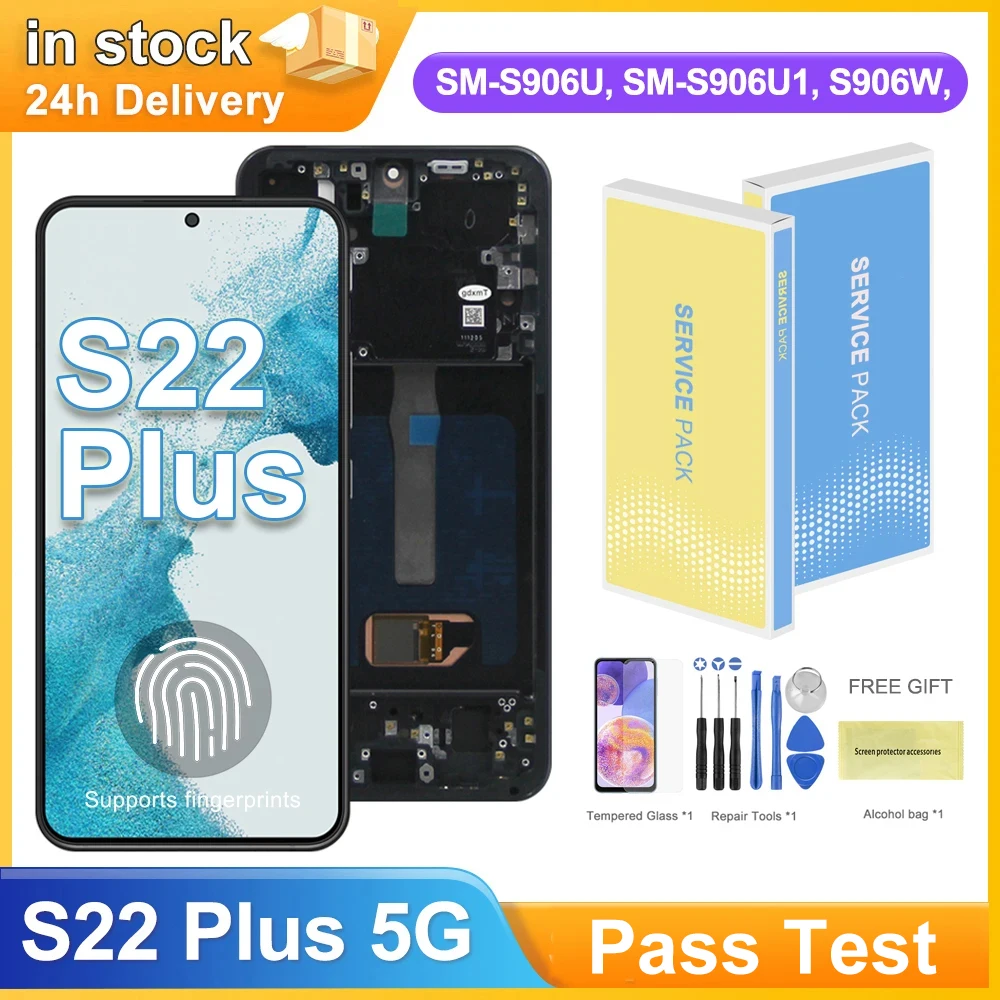
6.6" S22 Plus AMOLED Display Screen for Samsung Galaxy S22+ 5G S906B S906B/DS Lcd Display Digital Touch Screen with Frame
MYR 294.04
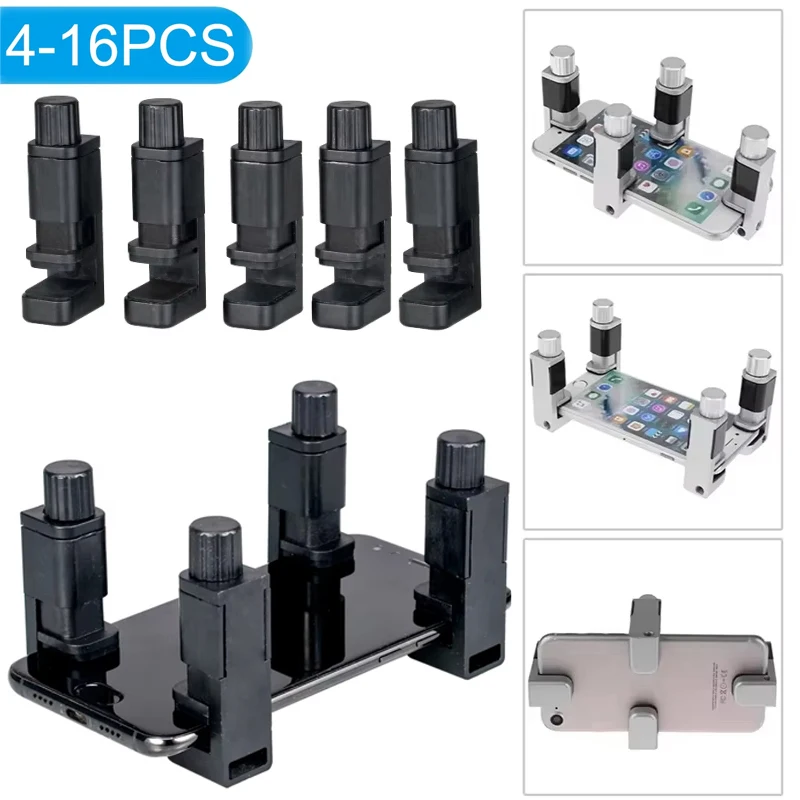
4/16pcs Universal Fixture Clamp Holder Adjustable Mobile Phone Repair Tools LCD Display Screen Fixture Clamp Tablet Accessories
MYR 68.86
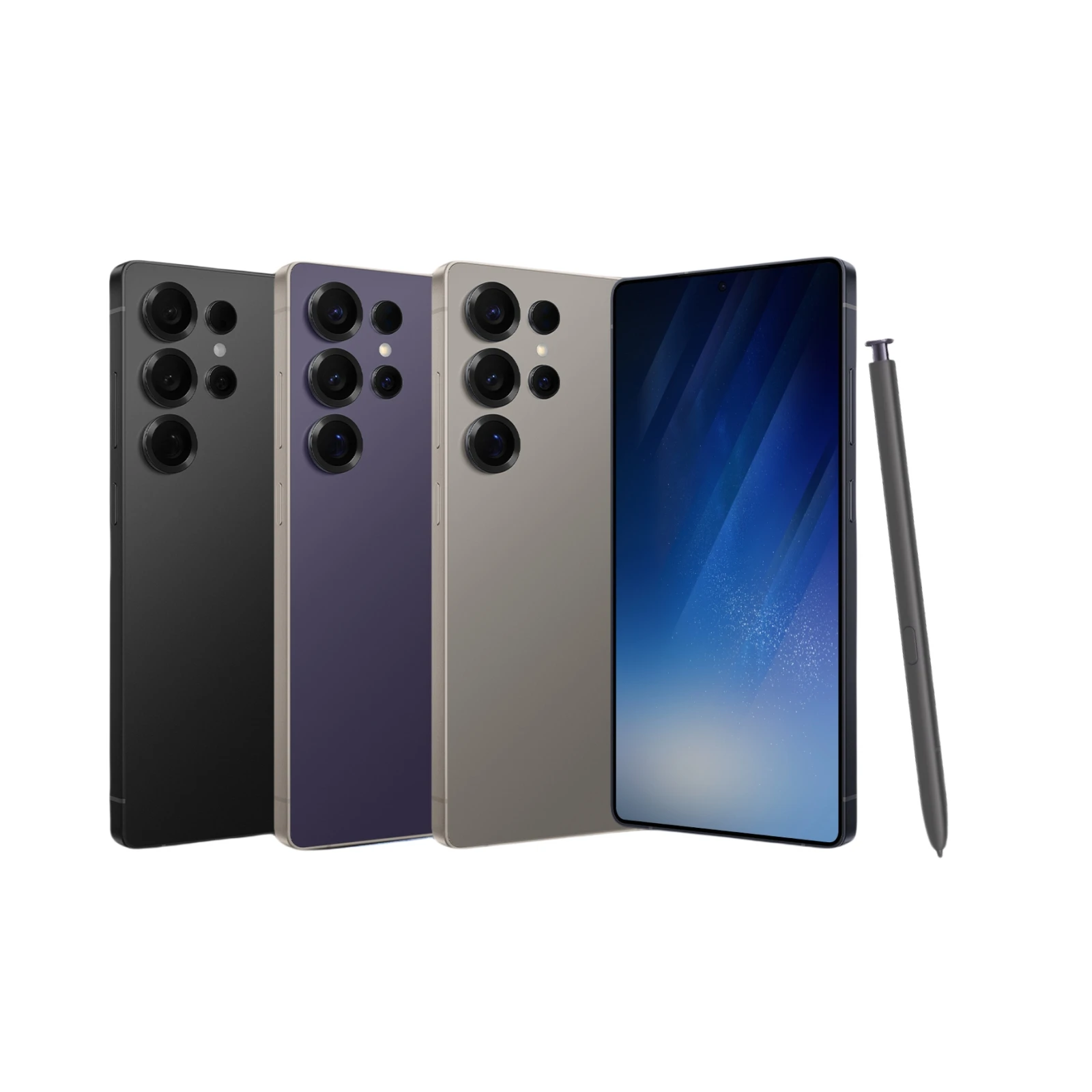 S25 Ultra Smartphone Android 6.8Inch HD 8+256GB ROM 5800mAh 48MP Camera Android 12 MTK Core Google Play Cell phone
MYR 474.96
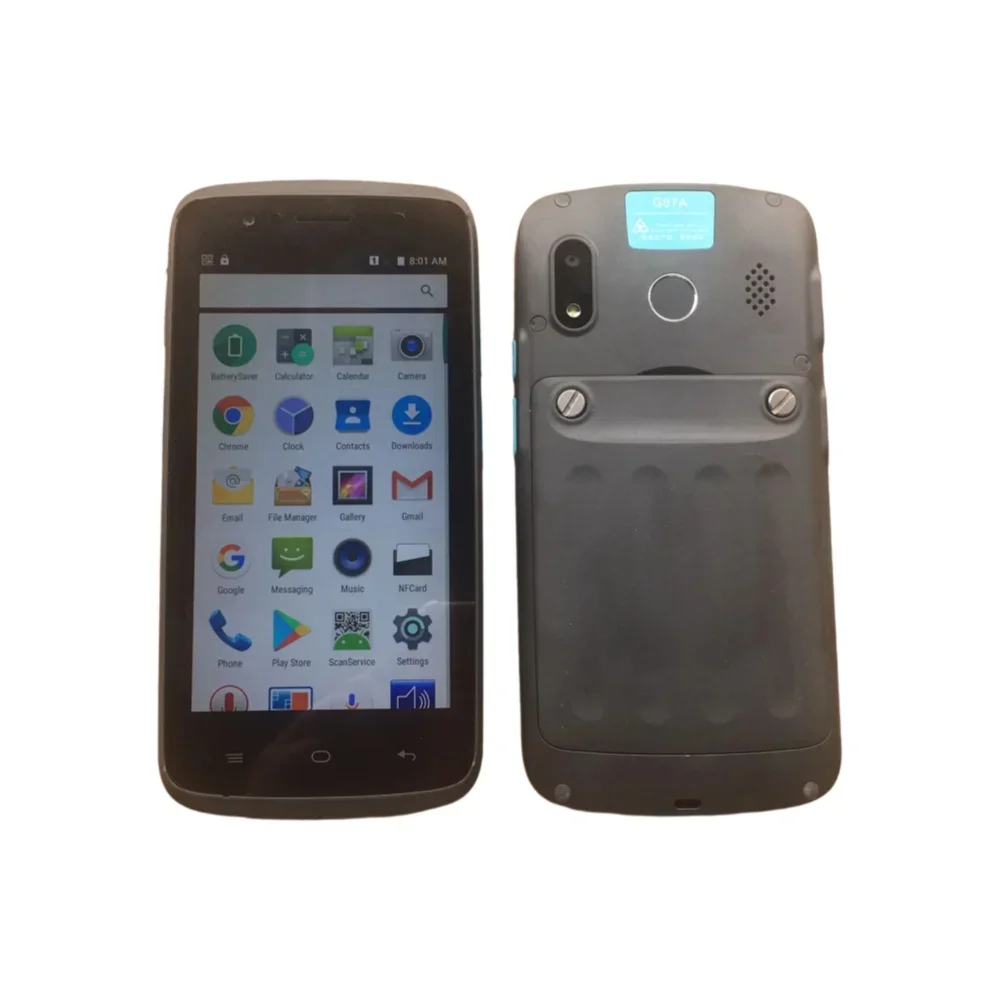 G07A 5.0 Inch IPS Smartphone,2GB RAM,16GB ROM,NFC,Rear Fingerprint,Wireless Charging, Android 6.0,2.0+8.0MP,4000mAh,MTK6737
MYR 137.43
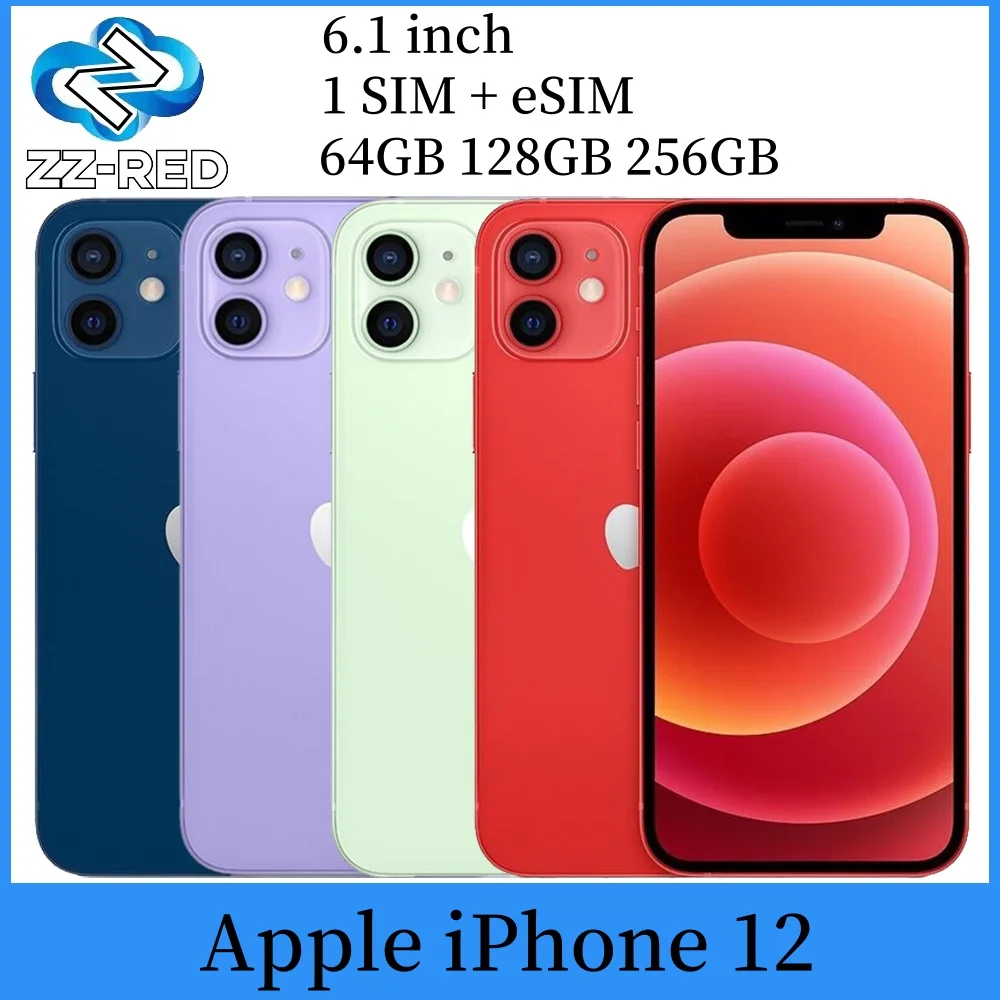 Apple iPhone 12 Used Mobile PhoneUnlocked 5G 6.1" RAM 4GB ROM 64GB 128GB 256GB A14 Bionic Face ID NFC Original
MYR 1,358.04
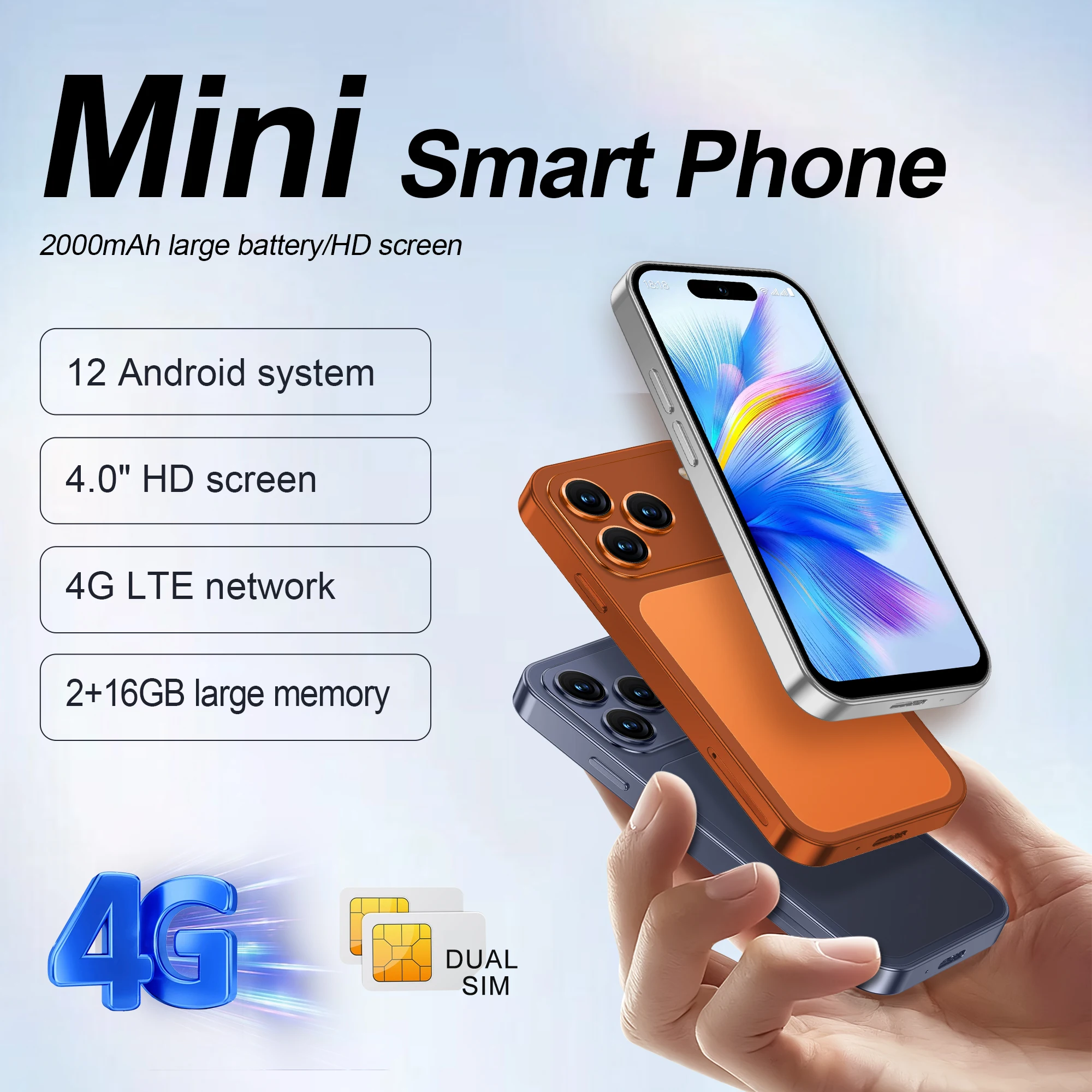 SERVO S4 PRO Mini Smart Mobile Phone 4G LTE Dual SIM Standby Android12.0 OS 2GB+16GB WiFi 4.0-inch Small Pocket Smartphone
MYR 264.03