Microsoft 365 Personal with Copilot for 1 User (1 Year) - Download
Category: Mobile phones
SKU: CS-4759CBE1C3C14F2B
Key Specifications
From product details- Who Is This For?
- Microsoft 365 Personal is designed for one person who wants the complete, always-updated Office experience with AI built in — ideal for anyone who works, studies, or creates on their own devices.
- Publisher
- Microsoft Corporation
- Product
- Microsoft 365 Personal with Copilot
- License Type
- Annual subscription — renews yearly
- Number of Users
- 1 user
- Devices
- Up to 5 PCs or Macs, 5 tablets, 5 smartphones
- Apps Included
- Word, Excel, PowerPoint, Outlook, OneNote, Designer, Clipchamp
- AI Features
- Copilot in Word, Excel, PowerPoint, Outlook, OneNote (monthly AI credit allowance applies)
Product Details & Specifications
Microsoft 365 Personal with Copilot for 1 User (1 Year) - Download — The full Microsoft Office suite — now with an AI assistant built right into Word, Excel, Outlook, and more Microsoft 365 Personal is the all-in-one productivity subscription for one person — giving you the full desktop versions of Word, Excel, PowerPoint, Outlook, and OneNote, plus 1 TB of OneDrive cloud stor…
Annual Subscription 1 User Copilot AI Included
The full Microsoft Office suite — now with an AI assistant built right into Word, Excel, Outlook, and more.
Microsoft 365 Personal is the all-in-one productivity subscription for one person — giving you the full desktop versions of Word, Excel, PowerPoint, Outlook, and OneNote, plus 1 TB of OneDrive cloud storage, and now Copilot AI built directly into your apps. Whether you're writing a report, crunching numbers, building a presentation, or managing your inbox, Copilot helps you work faster and smarter.
Purchase your genuine annual subscription from ITFactory.ca — Canada's trusted Microsoft software reseller.
What Does Copilot Do in Microsoft 365?
WordDraft documents, rewrite paragraphs, summarize reports, and adjust tone with a single prompt.
ExcelAnalyze data, explain formulas, generate charts, and spot trends — in plain language.
PowerPointTurn a topic or outline into a full slide deck — layout, design, and content already done.
OutlookSummarize long email threads, draft replies, and manage your calendar more efficiently.
OneNoteOrganize notes, create task lists, and summarize your ideas automatically.
Everything Included in Your Subscription
Microsoft WordCreate professional documents with Copilot-assisted drafting, editing, and summarizing.
Microsoft ExcelAnalyze data and build spreadsheets with AI-powered formula suggestions and chart generation.
Microsoft PowerPointBuild polished presentations from scratch — Copilot generates slides, layouts, and content for you.
Microsoft OutlookManage email, calendar, and contacts — with Copilot to summarize threads and draft replies.
Microsoft OneNoteCapture and organize notes across devices — Copilot helps turn ideas into structured plans.
1 TB OneDrive StorageStore, access, and share all your files and photos from any device, anywhere.
Microsoft DefenderBuilt-in security with virus scanning, ransomware protection, and identity theft monitoring.
Microsoft DesignerAI-powered graphic design tool for social posts, images, and visual content.
Who Is This For? Microsoft 365 Personal is designed for one person who wants the complete, always-updated Office experience with AI built in — ideal for anyone who works, studies, or creates on their own devices.
Students & Researchers Remote Workers & Freelancers Home Office Users Writers & Content Creators Small Business Owners Professionals on the Go
Product Specifications
Publisher Microsoft Corporation
Product Microsoft 365 Personal with Copilot
License Type Annual subscription — renews yearly
Number of Users 1 user
Devices Up to 5 PCs or Macs, 5 tablets, 5 smartphones
Apps Included Word, Excel, PowerPoint, Outlook, OneNote, Designer, Clipchamp
AI Features Copilot in Word, Excel, PowerPoint, Outlook, OneNote (monthly AI credit allowance applies)
Cloud Storage 1 TB OneDrive per user
Security Microsoft Defender — virus, ransomware & identity protection
Platform Support Windows, macOS, iOS, Android
Always Up to Date Yes — latest features and security updates included automatically
Delivery Digital — activation code sent by email
Sold by ITFactory.ca — Canadian Microsoft authorized reseller
Why Buy from ITFactory.ca? ITFactory.ca is a trusted Canadian reseller of Microsoft software, serving individuals, students, and businesses across the country. Every license is genuine, delivered fast, and backed by our team.
→ Authorized Canadian reseller → Genuine Microsoft license
→ Instant digital delivery → Business invoicing available
→ Multi-seat pricing for teams → Bilingual customer support
Frequently Asked Questions
What is Microsoft 365 Personal? Microsoft 365 Personal is an annual subscription giving one person access to the full desktop versions of Word, Excel, PowerPoint, Outlook, and OneNote, plus 1 TB of OneDrive cloud storage, Microsoft Defender security, and Copilot AI across your apps. It works on up to 5 PCs or Macs, 5 tablets, and 5 smartphones.
What does Copilot do in Microsoft 365 Personal? Copilot is an AI assistant built into your apps. In Word it drafts and rewrites text. In Excel it analyzes data and explains formulas. In PowerPoint it builds slides from a prompt.
In Outlook it summarizes emails and drafts replies. In OneNote it organizes your notes. A monthly AI credit allowance applies.
Is this a subscription? What happens after 12 months? Yes, it's an annual subscription. After 12 months you can renew to keep full access. If you don't renew, your apps switch to read-only mode — you can view documents but not edit them until you renew.
How is this different from Microsoft 365 Family? Microsoft 365 Personal covers 1 user. Microsoft 365 Family covers up to 6 users, each with their own 1 TB OneDrive and full app access. If you need to share with household members, Family is the better value — contact ITFactory.ca for pricing.
Does it work on Mac, iPhone, and Android? Yes. It works on Windows PCs, Macs, iPhones, iPads, and Android devices. Install the full desktop apps on up to 5 PCs or Macs, and the mobile apps on up to 5 smartphones and 5 tablets. All devices stay in sync through OneDrive.
How do I receive and activate my subscription? After purchase, you'll receive your activation code by email within minutes. Visit microsoft.com/redeem, sign in with your Microsoft account, enter the code, and your subscription activates immediately.

Buyer Reviews (0)
Reviews for this product only.
More from this category
View category
Norton 360 Standard - Download
MYR 71.90
Kaspersky Small Office Security - Download
MYR 244.90
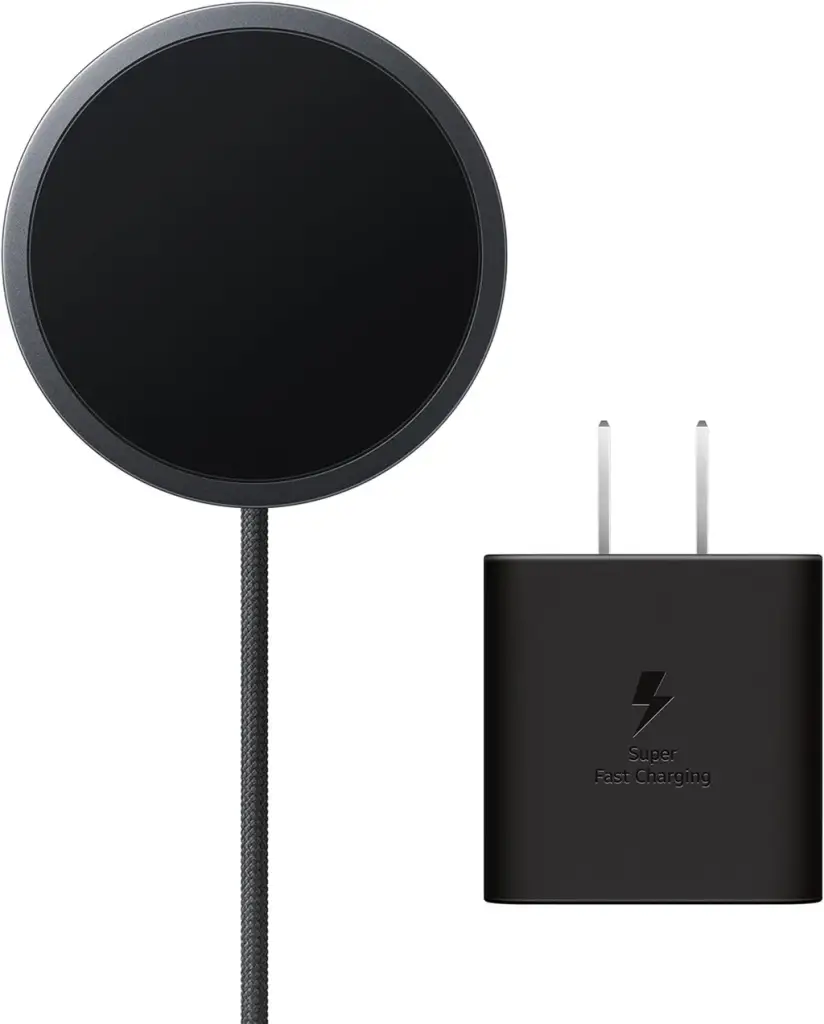 Samsung Galaxy Magnet Wireless Charger with 45W Power Adapter | Gray
MYR 167.50
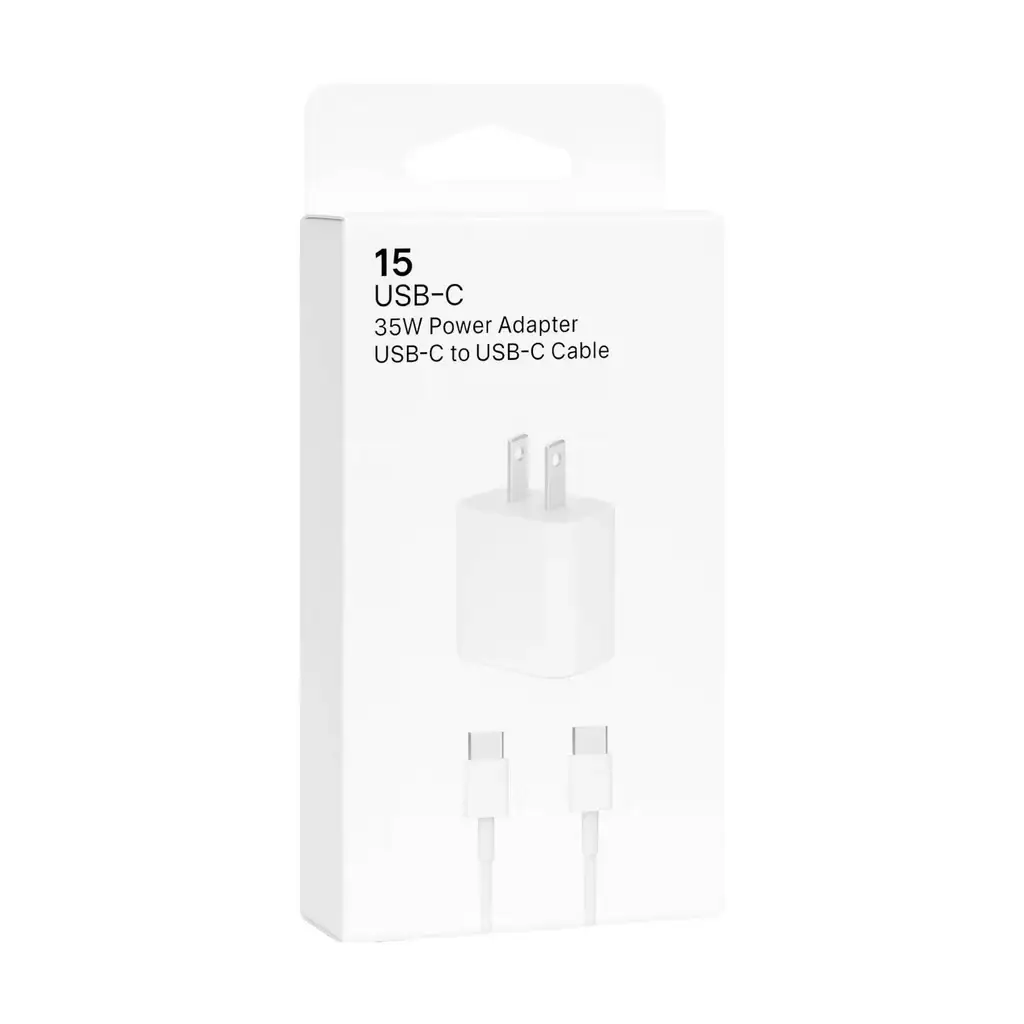 JenDore 35W USB-C PD Wall Charger & USB-C Cable Combo – MW858
MYR 111.25
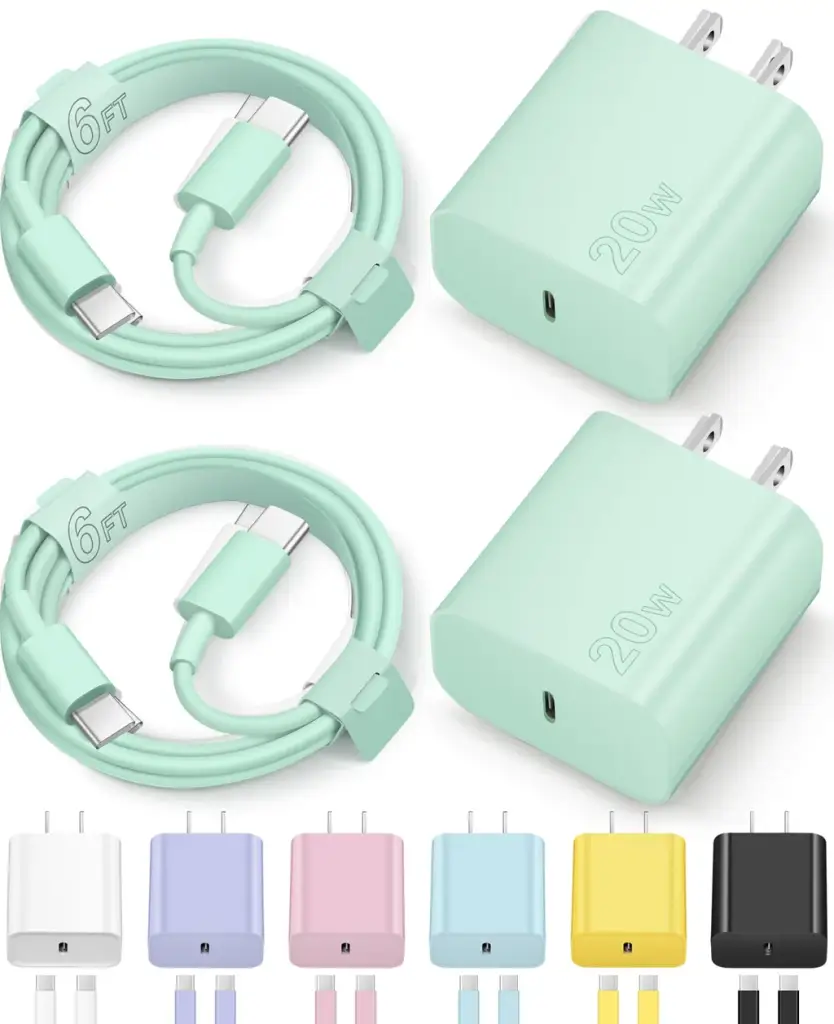 Charger for iPhone 16 15 Charger Fast Charging Type C Charger USB C Charger Block iPhone 16 Charger with 2 Pack 6FT Cable for iPhone 16/16 Plus/16 Pro/16 Pro Max/iPhone 15/15 Pro Max/Samsung(Green)
MYR 126.25
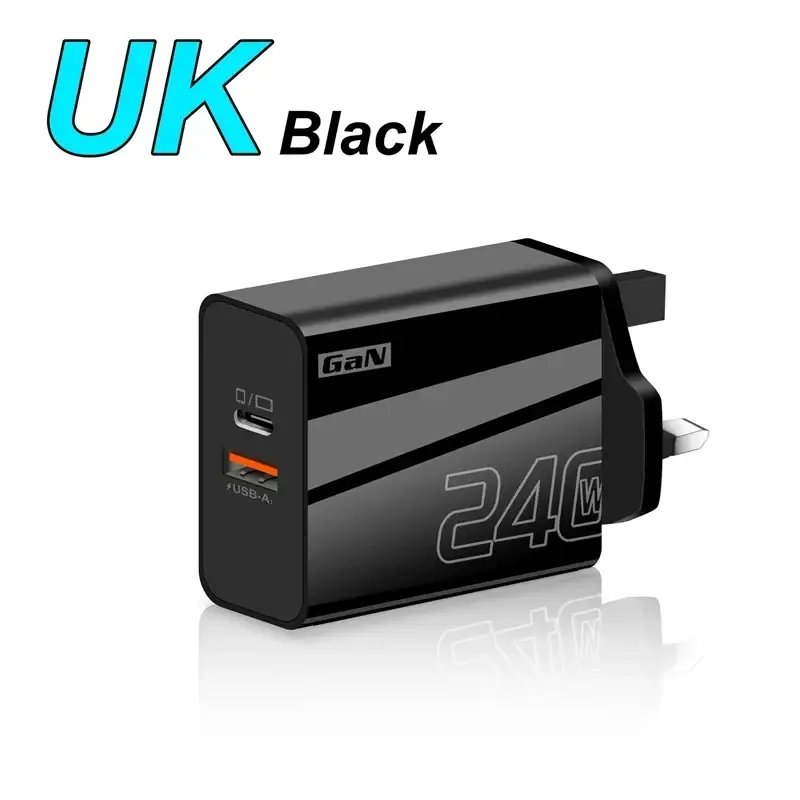 240W Fast Charger Double Ports USB Type-C Quick Charging Head QC3.0 Wall Charger Adapter EU/US/UK Plug For iPhone Samsung New
MYR 170.00