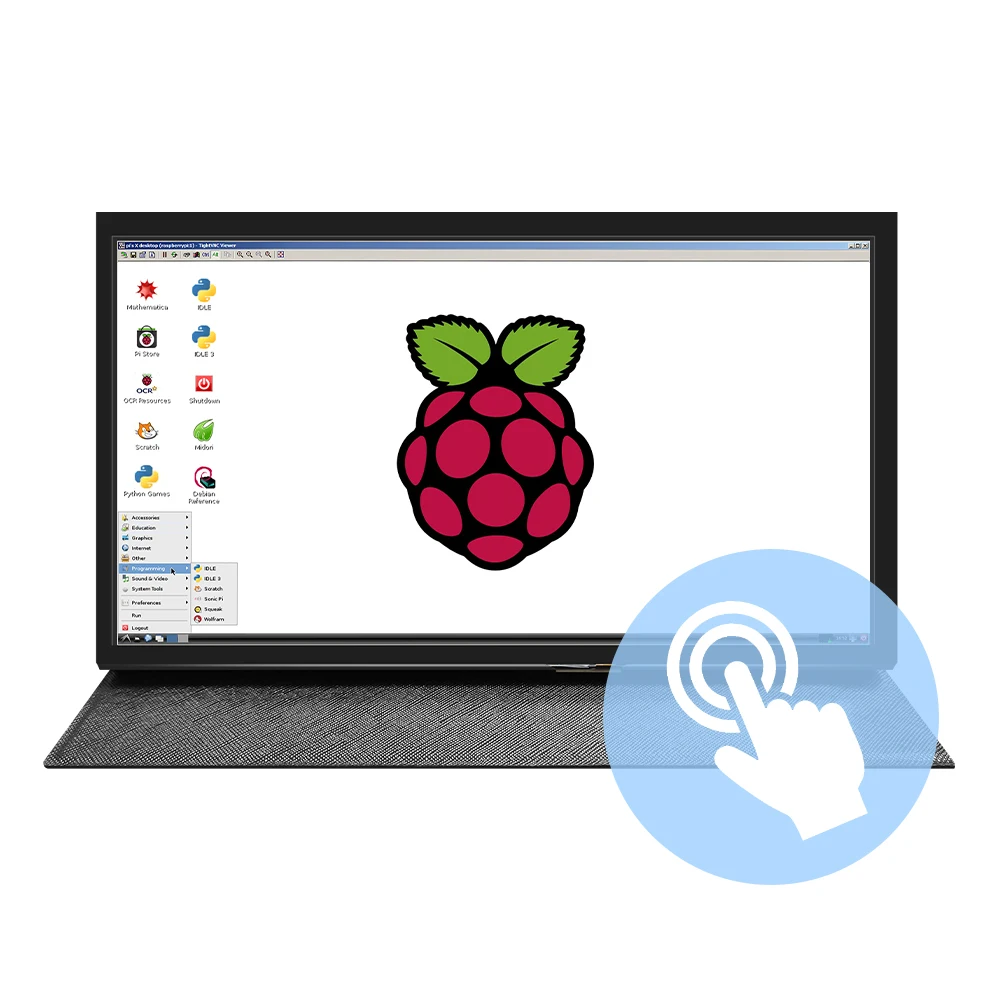
Portable Monitor gamer10.1 inch HD LCD (H) Computer Second 1024*600 LCD Display for PC Capacitive Touch Screen Raspberry Pi
Category: Audio
SKU: CS-0F0F6E914D0F71C7
Key Specifications
From product details- How to use with Raspbian/Ubuntu Mate/Win10 IoT Core System
- Step 1, Install Raspbian official image
Product Details & Specifications
Portable Monitor gamer10.1 inch HD LCD (H) Computer Second 1024*600 LCD Display for PC Capacitive Touch Screen Raspberry Pi — Não é necessário pagar tarifas adcionais de importação e tarifas de correio Envio Direto do Armazém Brasileiro Refazer o tempo de transporte Take a look at the best-selling products ??.10.1inch standard display, 1024 × 600 Hardware resolution, Up to 1920x1080 Software configuration resolution ??.Capacitive to…
Não é necessário pagar tarifas adcionais de importação e tarifas de correio Novas linhas usadas Envio Direto do Armazém Brasileiro Refazer o tempo de transporte Take a look at the best-selling products 添加链接
【Product description】
●.10.1inch standard display, 1024 × 600 Hardware resolution, Up to 1920x1080 Software configuration resolution. ●.Capacitive touch screen, maximum support 5 point touch. ●.Support backlight control alone, the backlight can be turned off to save power. ●. Support Raspberry Pi, BB Black, Banana Pi and other mainstream mini PC. ●.Can be used as general-purpose-use HDMI monitor, for example: connect with a computer HDMI as the sub-display . ●.Used as a raspberry pi display that supports Raspbian, Ubuntu, Kali-Linux, Kodi, win10 IOT, single-touch, free drive. ●.Work as a PC monitor, support win7, win8, win10 system 5 point touch (XP and older version system: single-point touch), free drive. ●.CE, RoHS certification.
【Product Parameters】
●.Size: 10.1 (inch) ●. Resolution: 1024 × 600 (dots) ●. SKU: JRP1105
●. Touch: five-point capacitive touch ●.Dimensions: 166.5*124.12 (mm) ●.Weight: 990 (g)
How to use with Raspbian/Ubuntu Mate/Win10 IoT Core System Step 1, Install Raspbian official image
- Download the latest image from the official download.
- Install the system according to the official tutorial steps.
Step 2, modify the “config.txt”
After the programming of Step1 is completed, open the config.txt file of TF card root directory and add the following code at the end of the file, save and eject Micro SD Card safely:max_usb_current=1 hdmi_force_hotplug=1 config_hdmi_boost=7 hdmi_group=2 hdmi_mode=87 hdmi_drive=1 display_rotate=0 hdmi_cvt 1024 600 60 6 0 0 0 Step 3, Drive the 10.1inch HDMI with the Raspberry Pi
Insert the TF Card to Raspberry Pi, connect the Raspberry Pi and LCD by HDMI cable;
connect USB cable to one of the four USB ports of Raspberry Pi,and connect the other end of the USB cable to the USB port of the LCD;
then supply power to Raspberry Pi; after that if the display and touch both are OK,it means drive successfully (please use the full 2A for power supply).
How to use as PC monitor
- Connect the computer HDMI output signal to the LCD HDMI interface by using the HDMI cable
- Connect the LCD's USB Touch interface (Either of the two MicroUSB) to the USB port of the device
- If there are several monitors, please unplug other monitor connectors first, and use LCD as the only monitor for testing.
Buyer Reviews (0)
Reviews for this product only.
More from this category
View category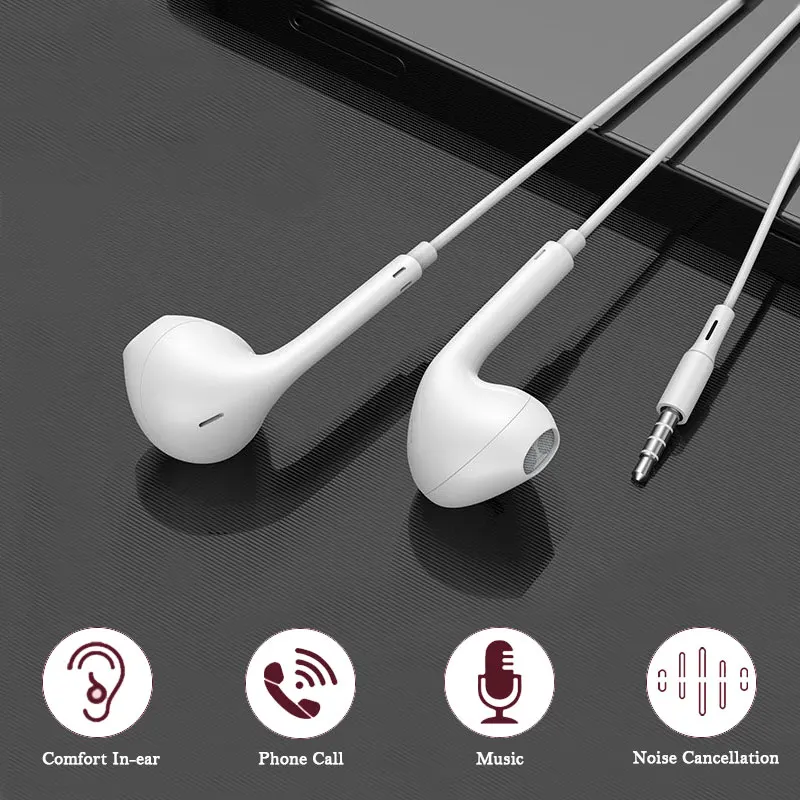 3.5mm Wired Headphones In Ear Headset Wired Earphones with Microphone Stereo Earbuds Sports for Samsung Huawei Xiaomi Phones MP3
MYR 6.04
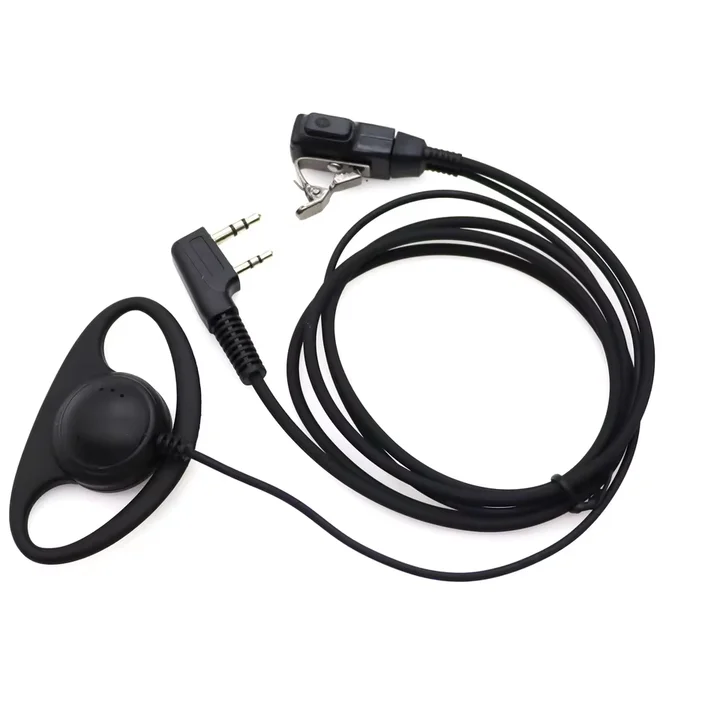 2 Pin Walkie Talkie Headset with MIC PTT D-Shape Walkie Talkie Earpiece Headphone for Baofeng Kenwood Puxing TYT Radio Accessory
MYR 16.83
 Original A6S TWS Headset Wireless Earphones Bluetooth Headphones Sport Stereo Fone Bluetooth Earbuds for Xiaomi Huawei iPhone
MYR 11.90
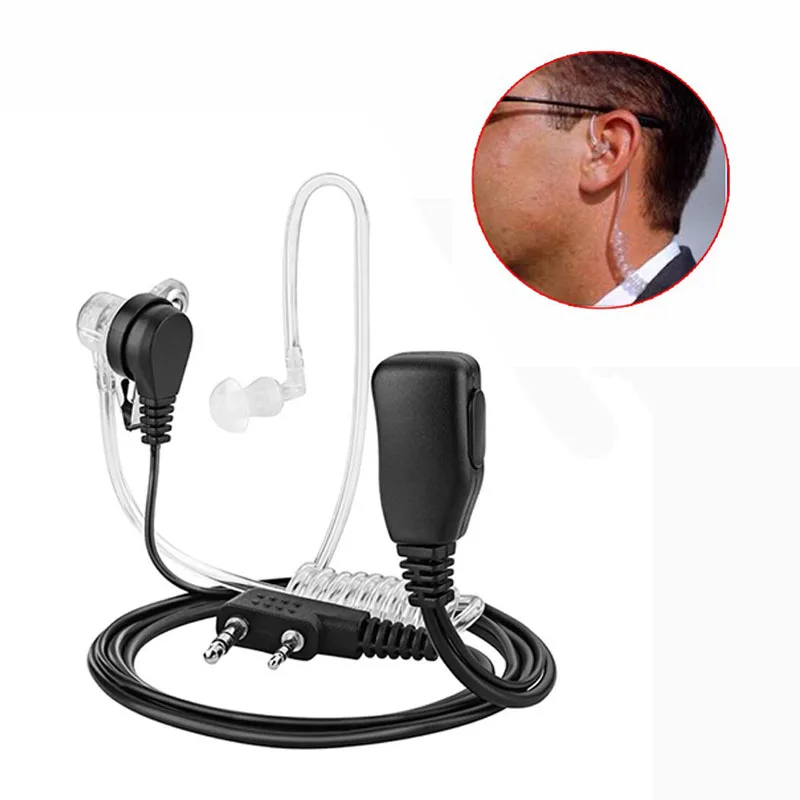 1Pcs Air Acoustic Tube Headset For Baofeng Radio Walkie Talkie K Port Earphone PTT With Microphone For UV-5R 888s Guard Earbuds
MYR 23.96
 Wireless Bluetooth Earphones Neckband Headphones Gaming Stereo Sports Headset Halter Waterproof Magnetic Earbud with LED Display
MYR 11.86
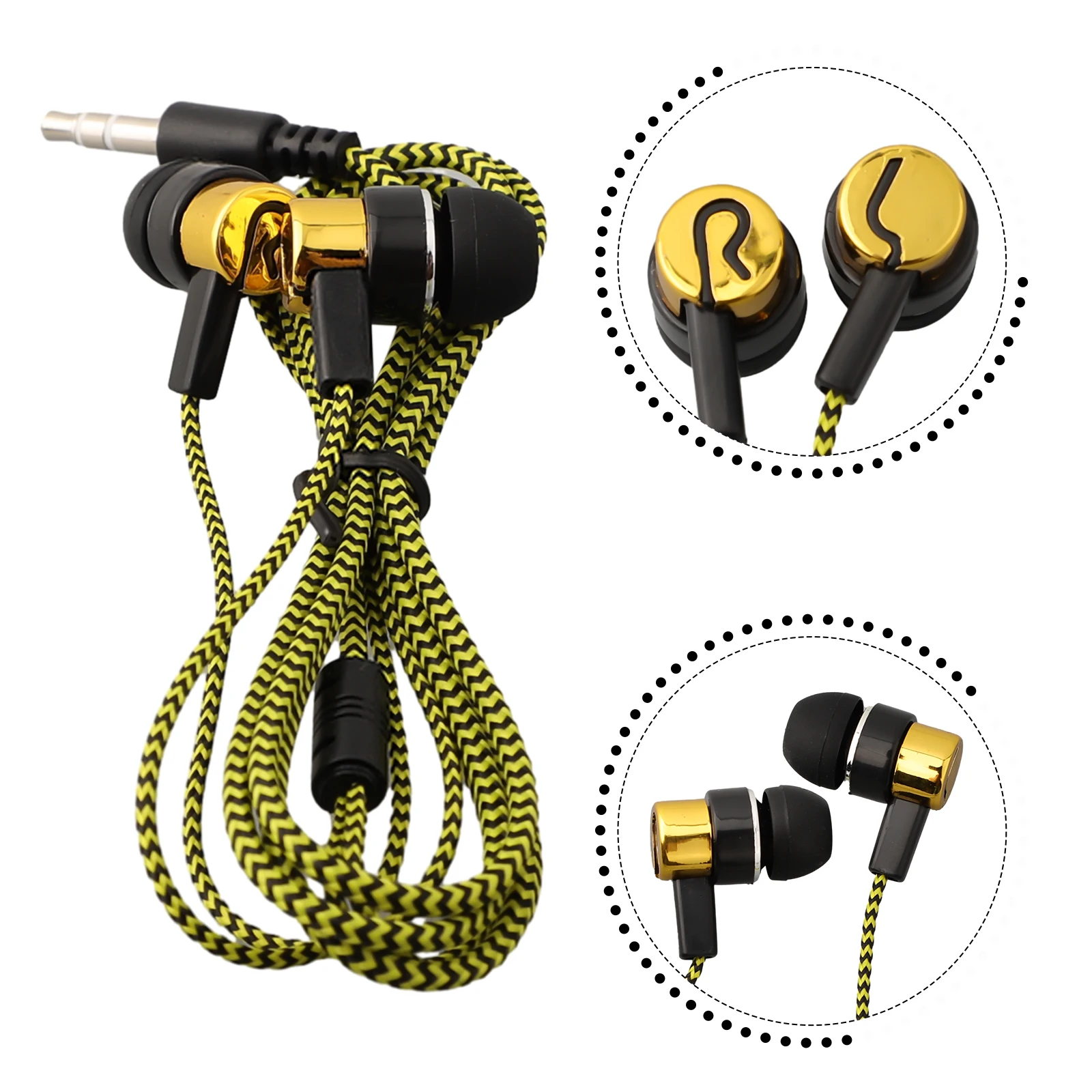 3.5mm In-Ear Wired Headphone 2 Basic Box Bass Stereo Earbuds Mobile Headphone Noise Cancelling Superb Bass Stereo Earphone
MYR 5.02