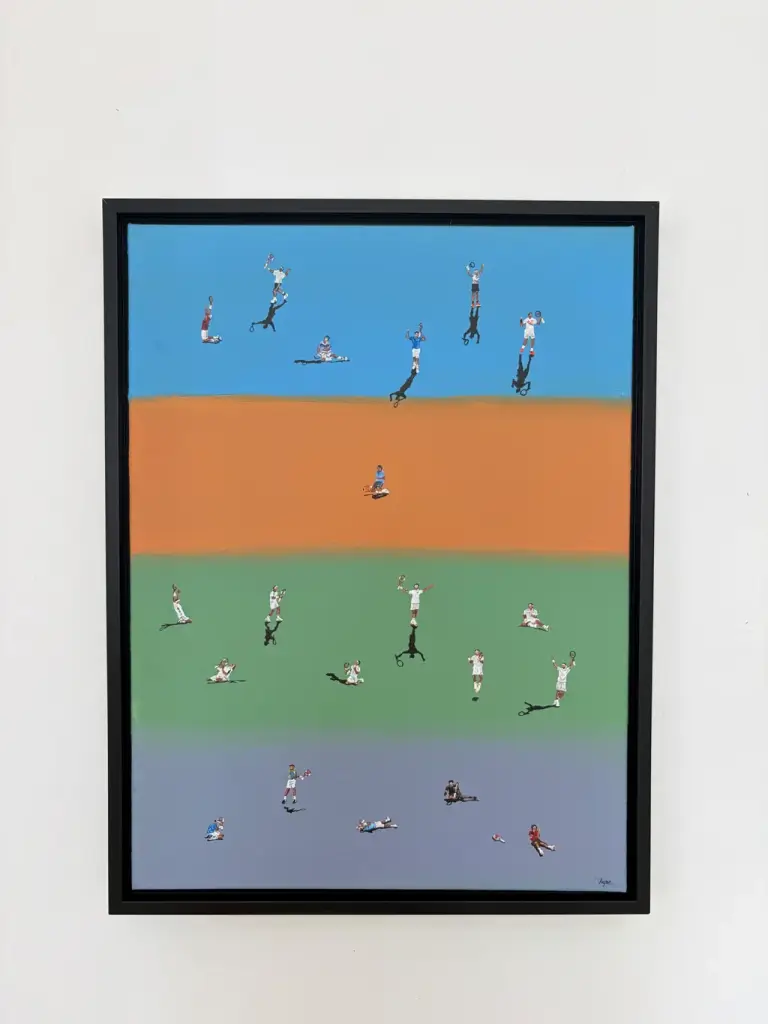
Roger's 20 Digital Download
Category: Digital products
SKU: CS-AC7A0B6806BEEDDD
Key Specifications
From product details- BEFORE YOU PRINT
- For the best results:
- Image size
- 3665 × 4922 pixelsImage ratio: Approximately 3:4
- Scale
- 100% / Actual SizeQuality: Best / HighColor: ColorOrientation: PortraitBorderless: On, if supported by your printer
- The artwork file is approximately a 3
- 4 ratio. Because the exact pixel dimensions are 3665 × 4922, there may be a very small difference when printing at an exact 3:4 size.
Product Details & Specifications
Roger's 20 Digital Download — Instant digital download of the "Roger's 20" original artwork in high-resolution format, perfect for personal printing and home décor Includes premium-quality files optimized for sharp, vibrant prints No physical item will be shipped Thank you for supporting my art! This guide will help you get the best resul…
Instant digital download of the "Roger's 20" original artwork in high-resolution format, perfect for personal printing and home décor. Includes premium-quality files optimized for sharp, vibrant prints. No physical item will be shipped. PRINT AT HOME GUIDE Thank you for supporting my art! This guide will help you get the best results when printing your digital artwork at home. FILE
DETAILS
Image size: 3665 × 4922 pixelsImage ratio: Approximately 3:4 Recommended Print Sizes
6 × 8 inches — Excellent
9 × 12 inches — Excellent
12 × 16 inches — Recommended
15 × 20 inches — Very good
18 × 24 inches — Good for larger prints
BEFORE YOU PRINT For the best results:
Use high-quality photo or fine-art paper.Matte or semi-gloss paper is recommended for artwork.
Make sure your printer is set to its highest quality setting.Look for settings such as Best, High Quality, or Fine.
Print the original downloaded file.Avoid screenshots or sending the image through messaging apps, as these may reduce image quality.
Check your paper size and orientation.Select portrait orientation and make sure the paper matches the size you intend to print.
PRINT SETTINGS When available, choose: Scale: 100% / Actual SizeQuality: Best / HighColor: ColorOrientation: PortraitBorderless: On, if supported by your printer If your printer offers “Fit to Page” or “Scale to Fit,” be aware that this may slightly change the final size. For an exact-size print, use 100% / Actual Size. COLOR Colors can vary slightly between screens, printers, and different types of paper. For the closest result to the artwork, view the file on a properly calibrated or reasonably accurate display and use good-quality paper and ink. If your printer has its own color-management settings, avoid applying multiple color corrections at the same time. IF YOUR PRINTER DOESN'T SUPPORT 12 × 16" You can print the artwork at a smaller size that your printer supports, such as 8 × 10, 8.5 × 11, or 9 × 12 inches, depending on your paper and printer. You can also use a local professional photo or fine-art printing service if you would like a larger print. A
NOTE
ABOUT THE IMAGE RATIO The artwork file is approximately a 3:4 ratio. Because the exact pixel dimensions are 3665 × 4922, there may be a very small difference when printing at an exact 3:4 size. Please do not crop the artwork unless necessary. If your printer software gives you the option, choose a setting that preserves the entire image.
ENJOY YOUR PRINT! I hope you enjoy having this artwork in your space as much as I enjoyed creating it. — Ayne / Baseline Art
Buyer Reviews (0)
Reviews for this product only.
More from this category
View category
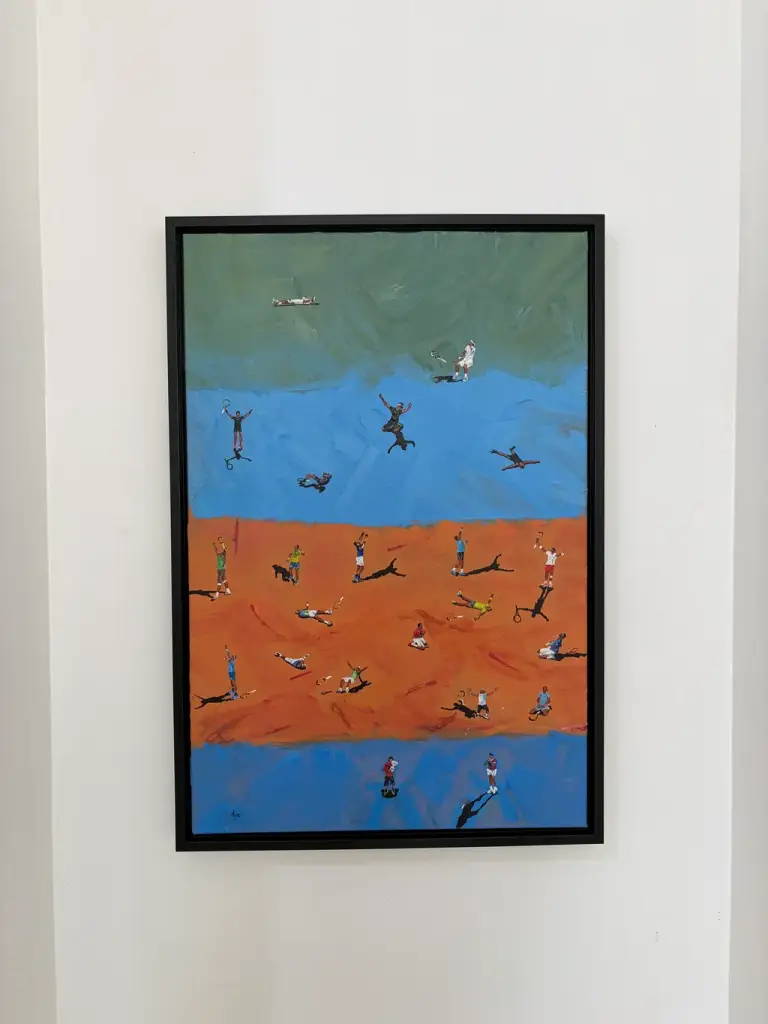
Rafa's 22 Artwork Digital Download
MYR 119.74
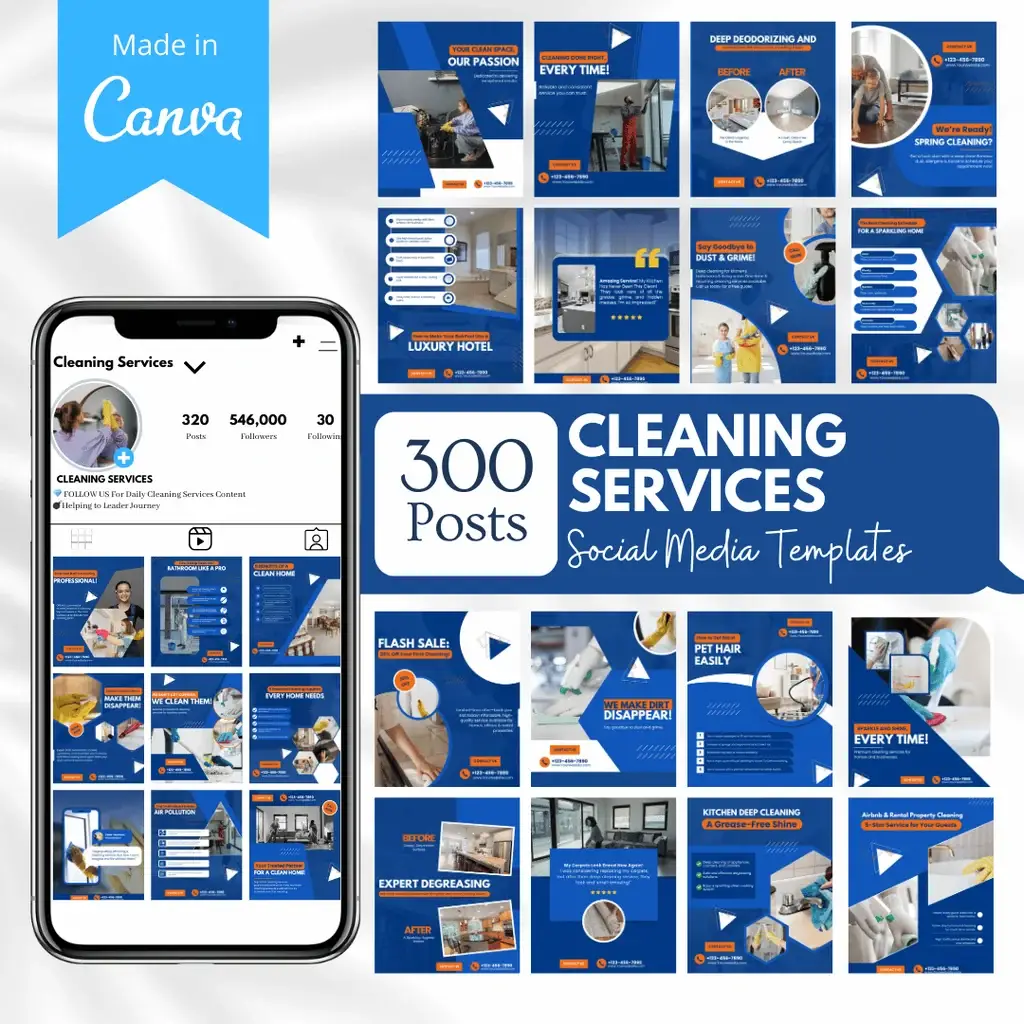
300 Cleaning Services Posts - Social Media Templates
MYR 248.49
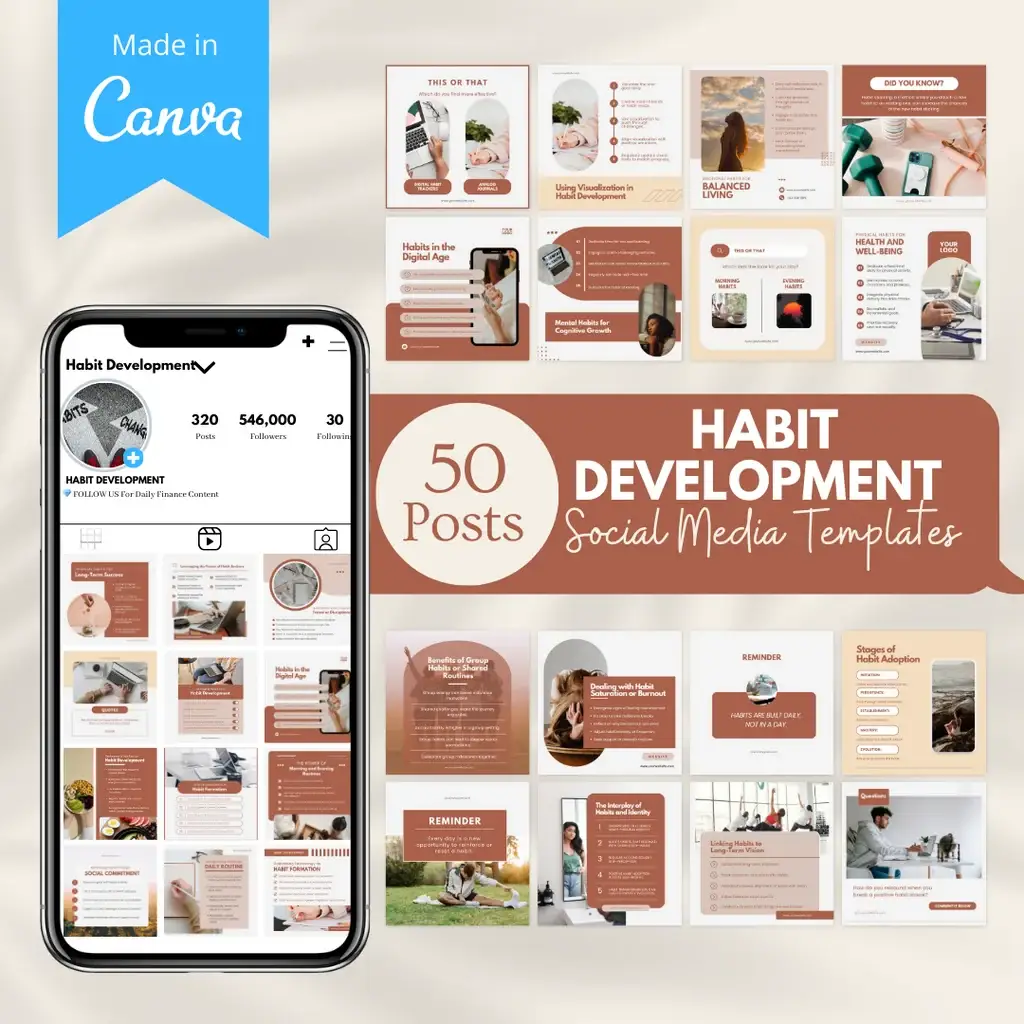 50 Habit Development - Social Media Templates
MYR 197.78
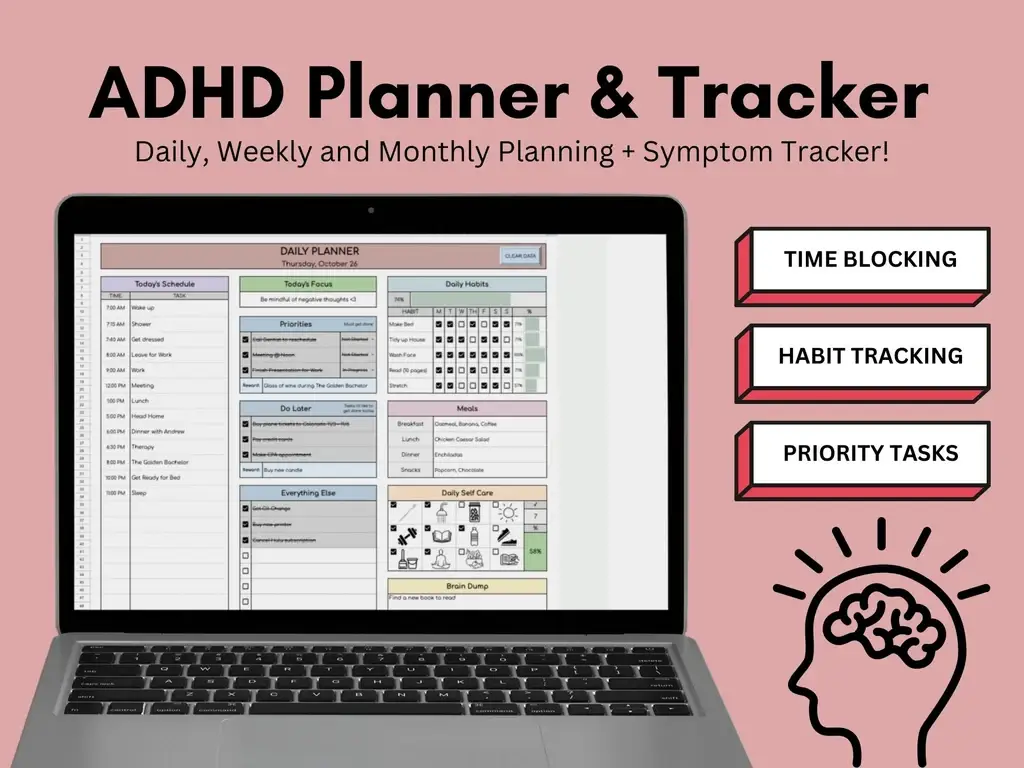 ADHD Planner & Tracker | Google Sheets Template
MYR 36.25
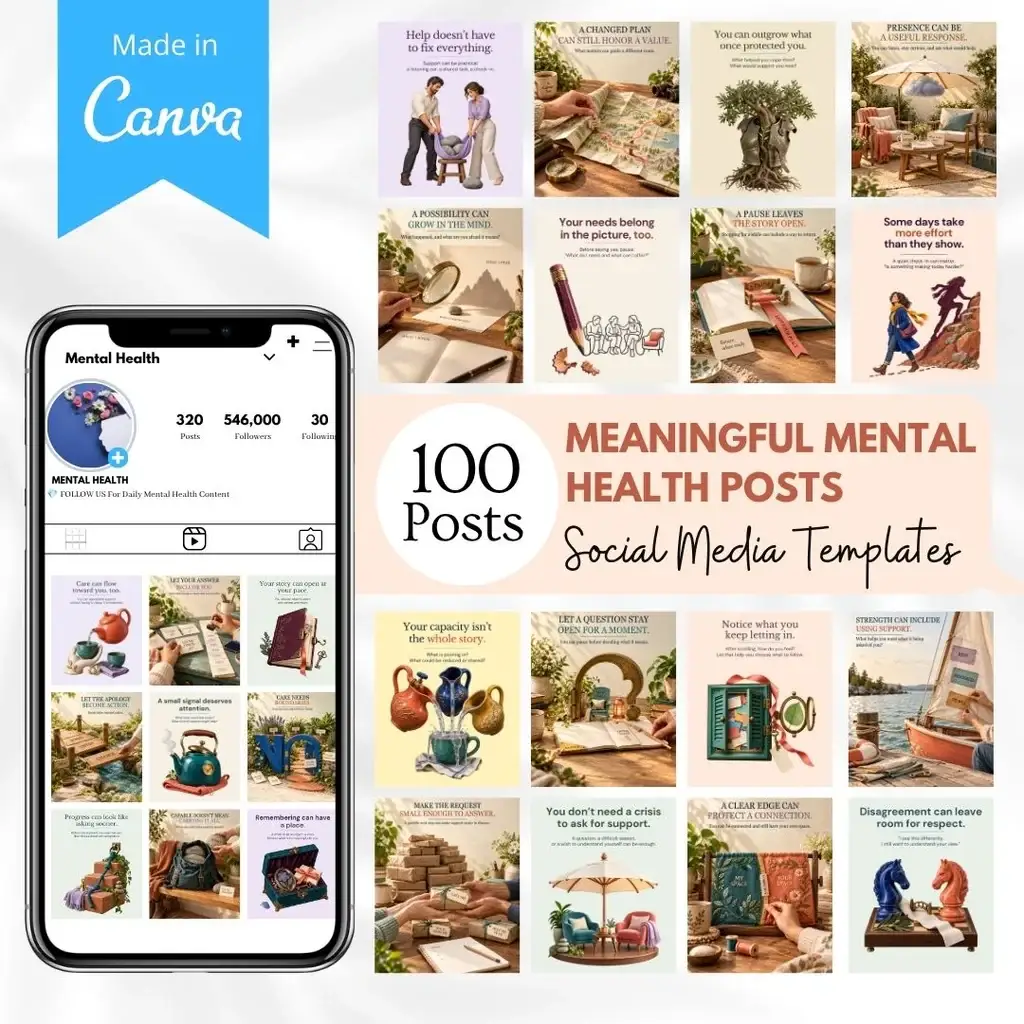 100 Meaningful Mental Health Posts - Social Media Templates
MYR 96.35
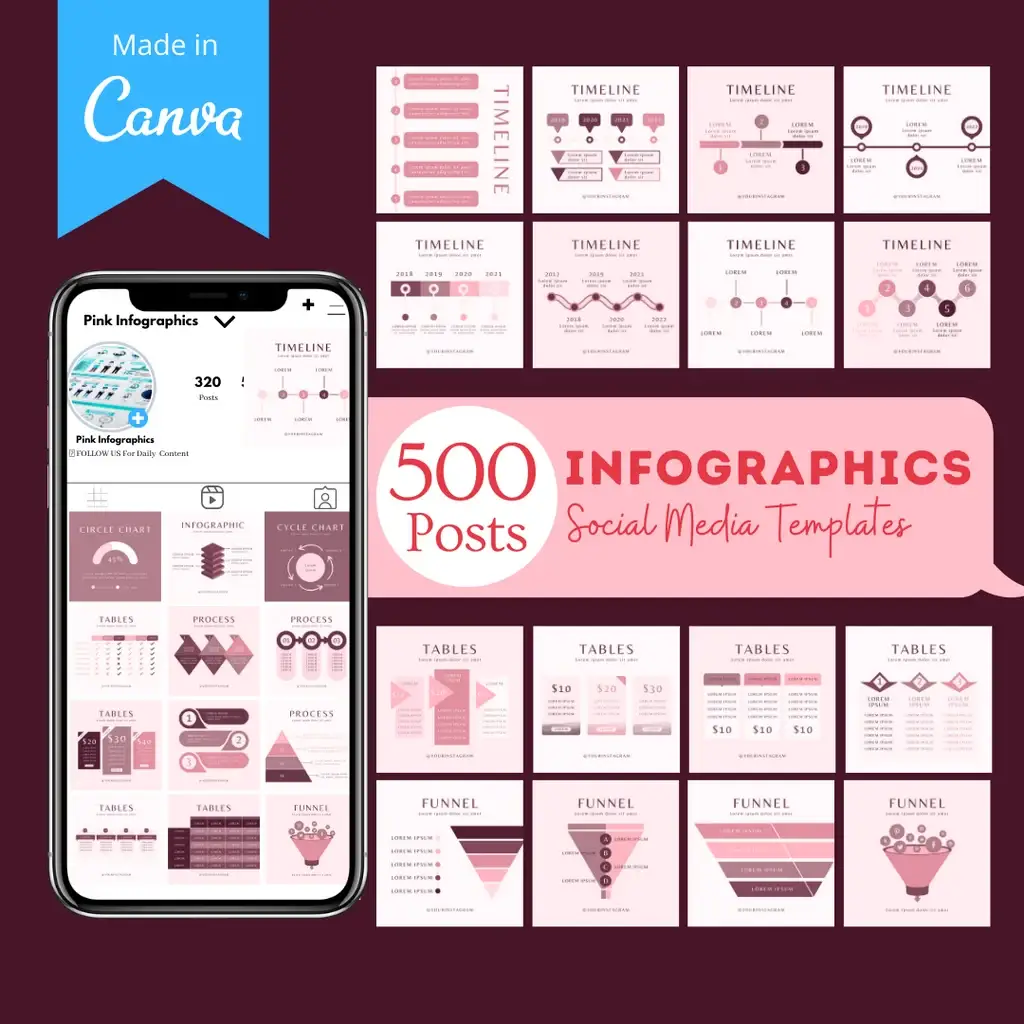 500 Infographics Posts - Social Media Templates
MYR 248.49