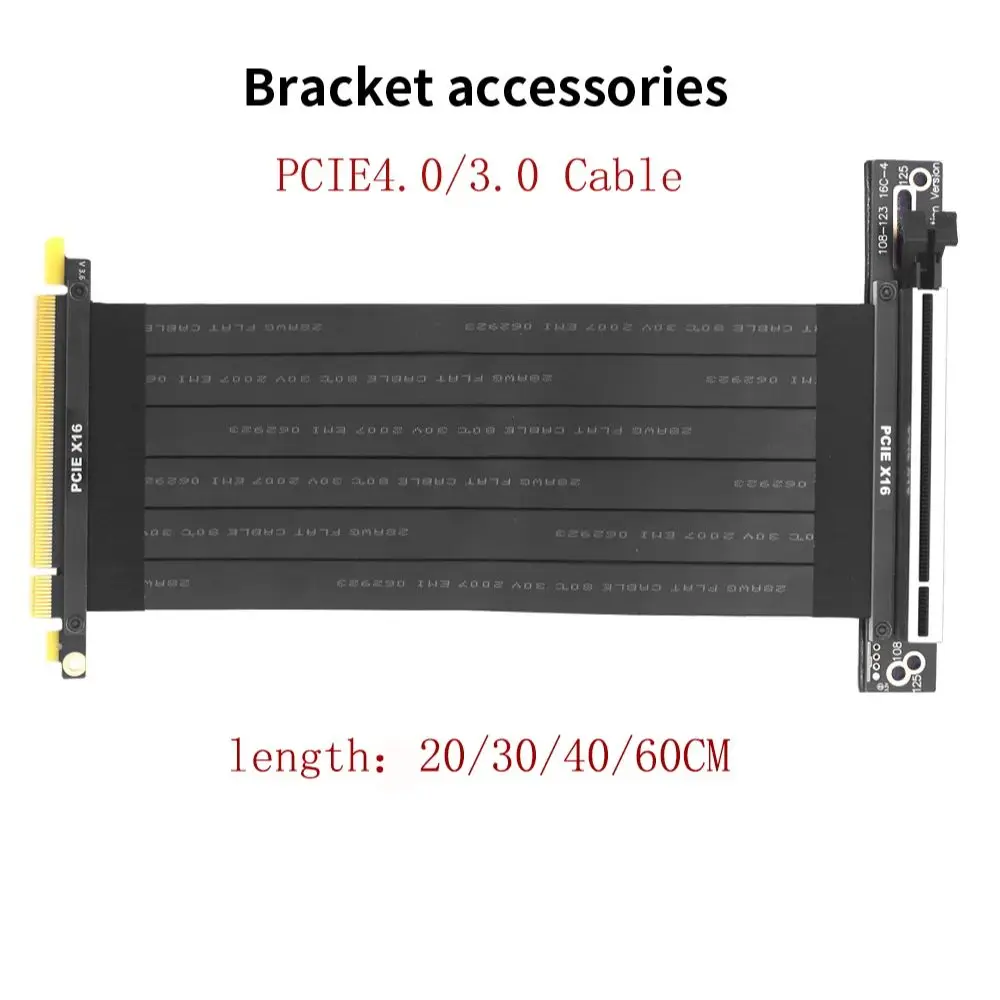
TISHRIC 20/30/40/60CM PCIE 4.0 3.0 X16 Riser Cable Industrial Shielded High-Speed Flexible 90° Video Graphics Card Extender Cord
Category: Computers
SKU: CS-1BE1B56DFBD854DF
Product Overview
TISHRIC 20/30/40/60CM PCIE 4.0 3.0 X16 Riser Cable Industrial Shielded High-Speed Flexible 90° Video Graphics Card Extender Cord Tip Question 1: Why is the screen black?
Key Specifications
From product details- Question 1
- Why is the screen black?
- Reason
- The ordered cable does not match the hardware of the motherboard and graphics card
- Question 2
- Will there be a blue screen?
Product Details & Specifications
TISHRIC 20/30/40/60CM PCIE 4.0 3.0 X16 Riser Cable Industrial Shielded High-Speed Flexible 90° Video Graphics Card Extender Cord — TISHRIC 20/30/40/60CM PCIE 4.0 3.0 X16 Riser Cable Industrial Shielded High-Speed Flexible 90° Video Graphics Card Extender Cord Question 1: Why is the screen black?Reason: The ordered cable does not match the hardware of the motherboard and graphics cardSolution:1.If you order PCIE3.0 and your motherboard is…
TISHRIC 20/30/40/60CM PCIE 4.0 3.0 X16 Riser Cable Industrial Shielded High-Speed Flexible 90° Video Graphics Card Extender Cord Tip Question 1: Why is the screen black?
Reason: The ordered cable does not match the hardware of the motherboard and graphics card
Solution:
1.If you order PCIE3.0 and your motherboard is PCIE3.0 and graphics card is PCIE4.0, you need to enter Bois to set the speed limit before installing the cable, adjust it to GEN3, and then reinstall it
2.If you order PCIE3.0 and your motherboard is PCIE4.0 and graphics card is PCIE3.0, you also need to enter Bois to set the speed limit before installing the cable, adjust it to GEN3, and then reinstall it
- If there are no issues with the above, it is likely that the PCIE 16X card slot on the motherboard has oxidized. Simply plug and unplug it a few more times to remove any surface material and it will work normally
Question 2: Will there be a blue screen?
Reason: There is a problem with the memory on the motherboard, which is not related to the product. Please check the memory
Buyer Reviews (0)
Reviews for this product only.
More from this category
View category
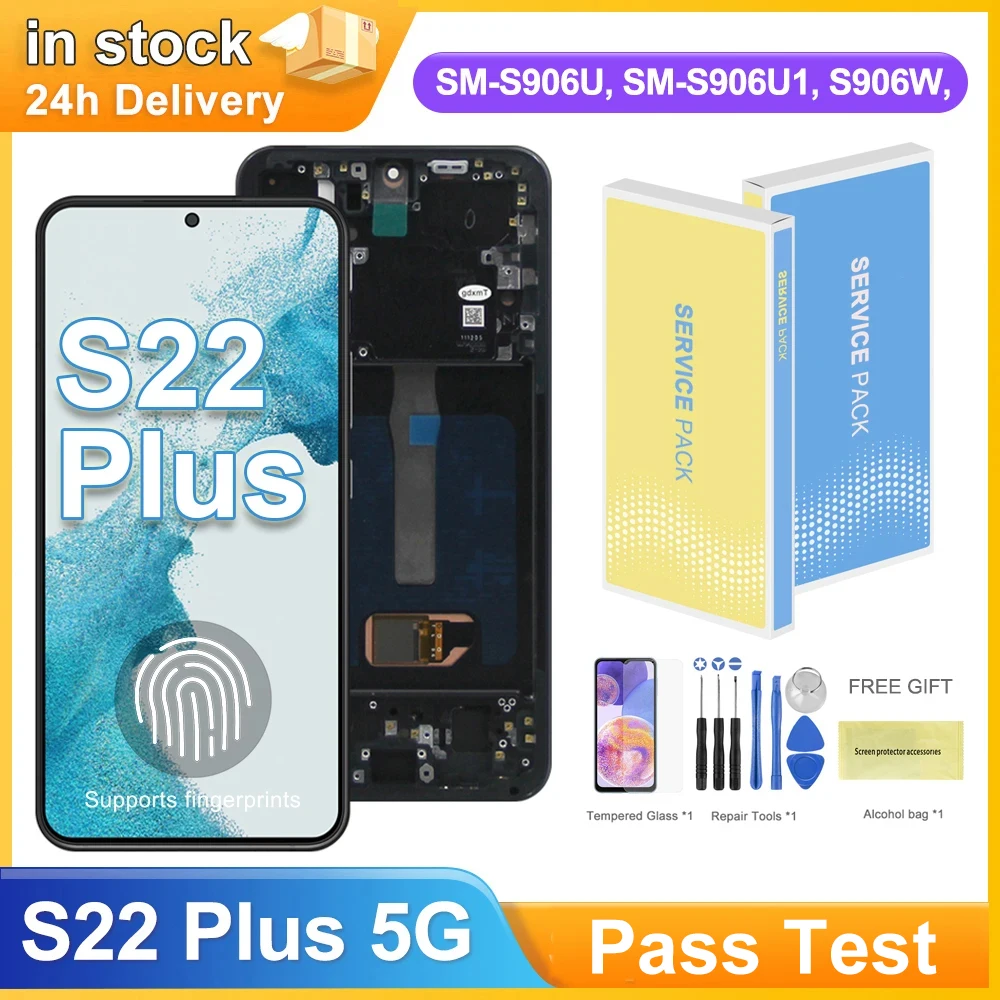
6.6" S22 Plus AMOLED Display Screen for Samsung Galaxy S22+ 5G S906B S906B/DS Lcd Display Digital Touch Screen with Frame
MYR 293.95
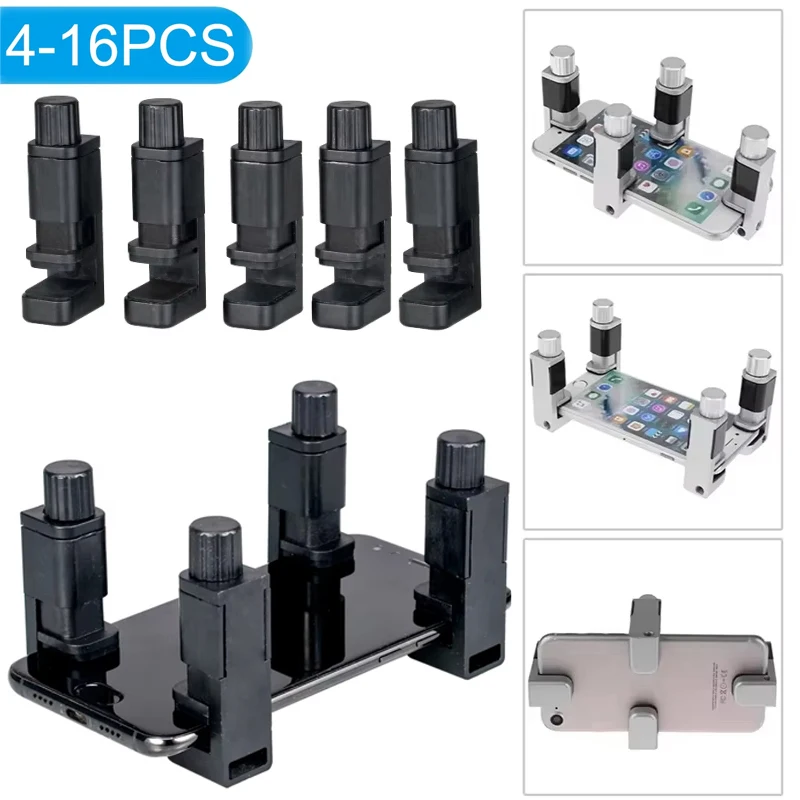
4/16pcs Universal Fixture Clamp Holder Adjustable Mobile Phone Repair Tools LCD Display Screen Fixture Clamp Tablet Accessories
MYR 68.88
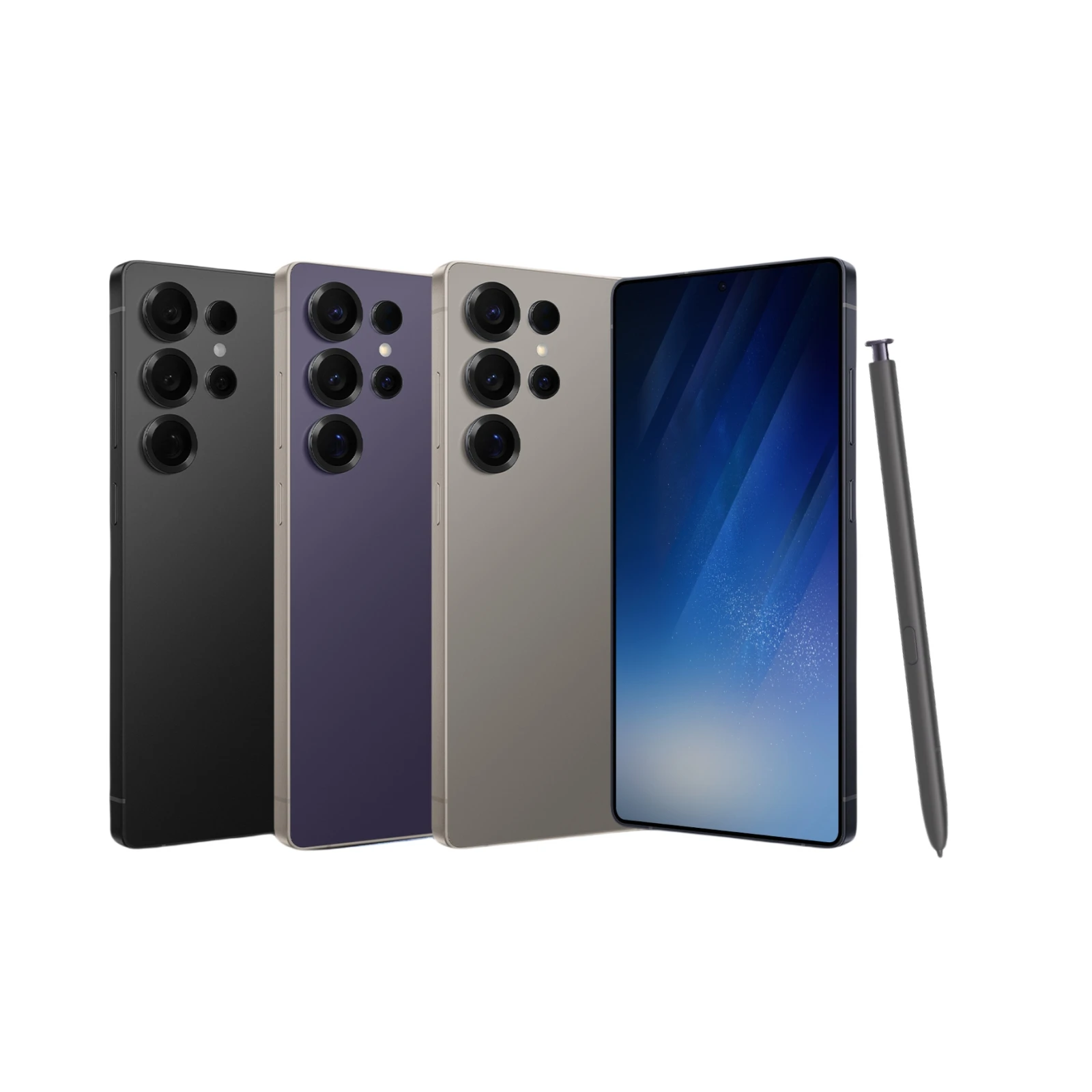 S25 Ultra Smartphone Android 6.8Inch HD 8+256GB ROM 5800mAh 48MP Camera Android 12 MTK Core Google Play Cell phone
MYR 475.04
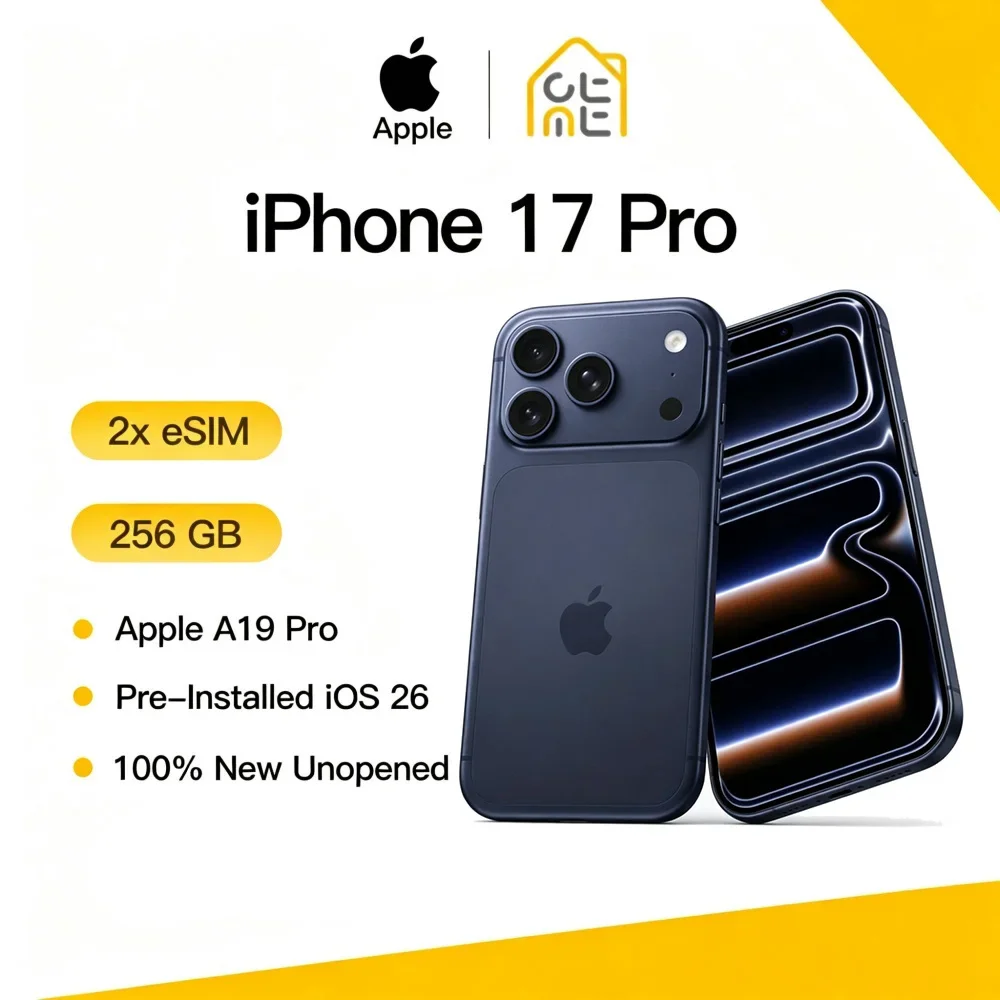 Apple iPhone 17 Pro Original New 12GB RAM 256GB 120Hz ProMotion 6.3" Super Retina OLED Screen A19 Pro Chip 48MP Three Cameras 5G
MYR 8,728.08
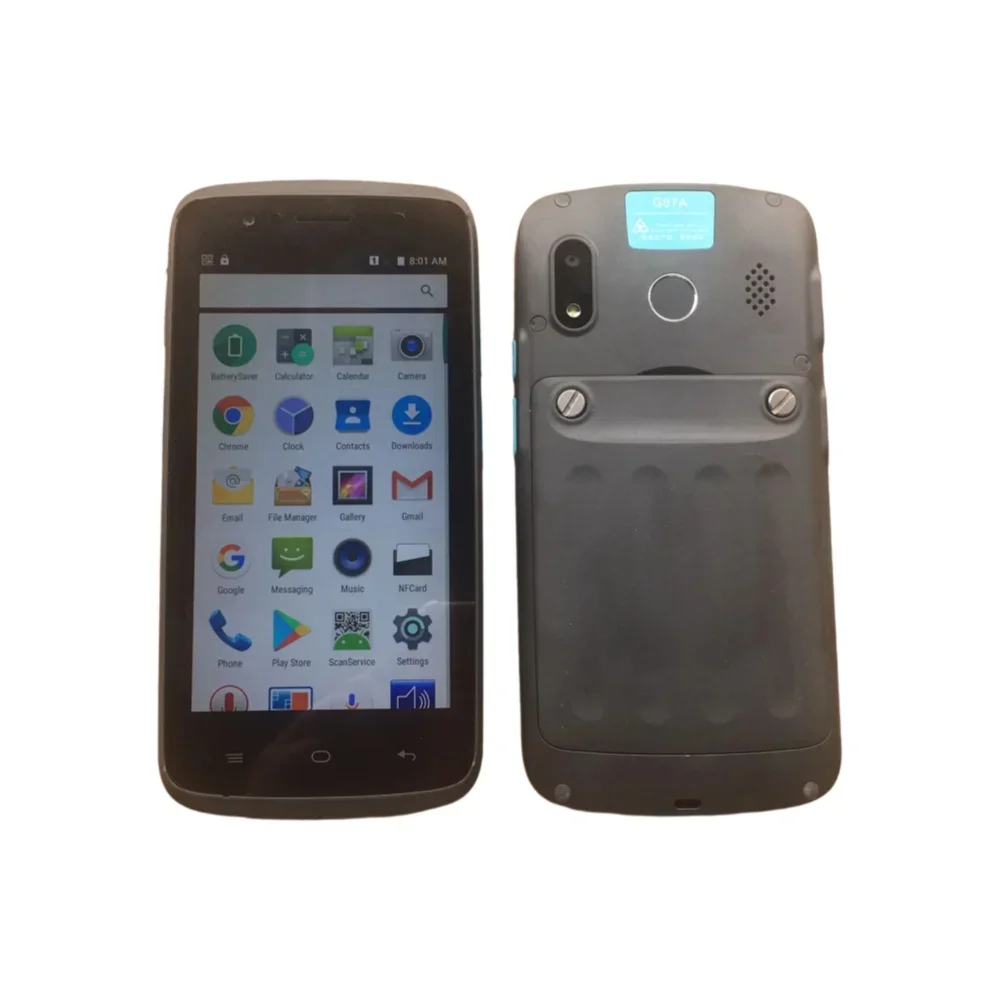 G07A 5.0 Inch IPS Smartphone,2GB RAM,16GB ROM,NFC,Rear Fingerprint,Wireless Charging, Android 6.0,2.0+8.0MP,4000mAh,MTK6737
MYR 137.38
 Apple iPhone 12 Used Mobile PhoneUnlocked 5G 6.1" RAM 4GB ROM 64GB 128GB 256GB A14 Bionic Face ID NFC Original
MYR 1,358.25