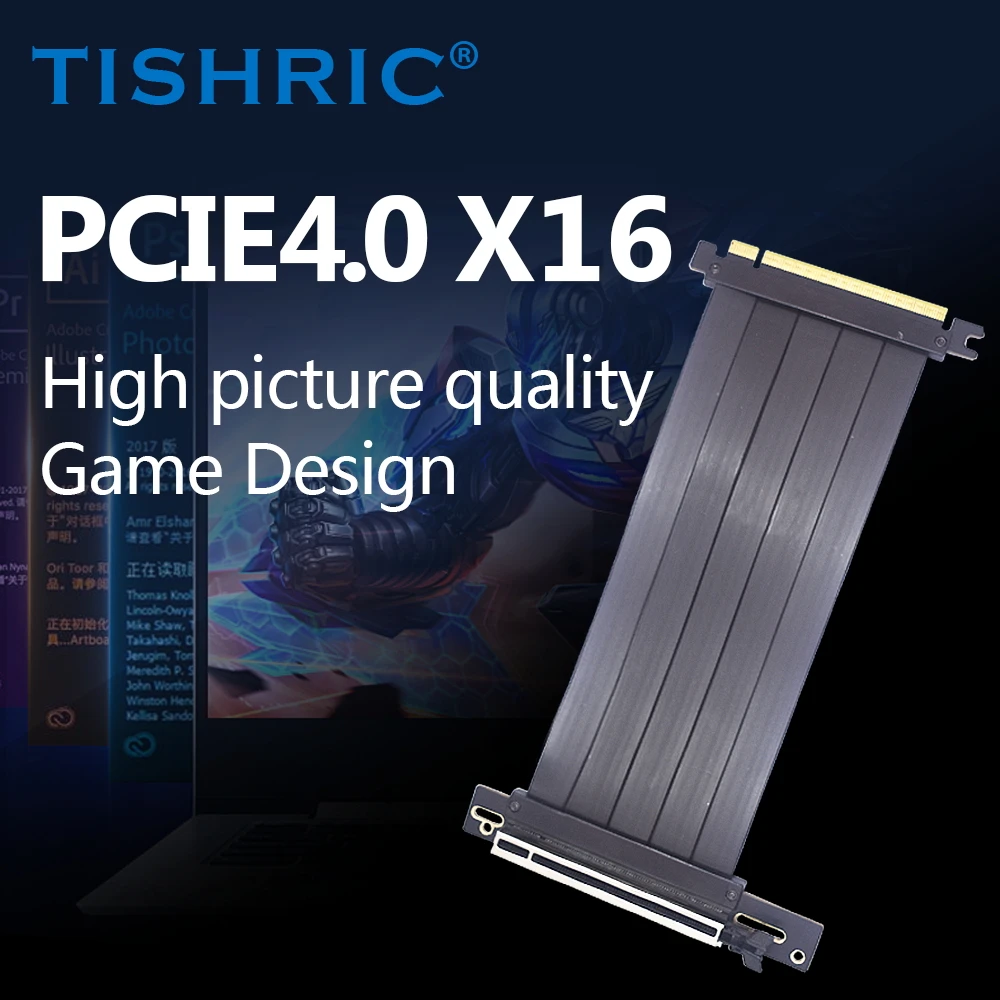
TISHRIC PCIE 4.0 3.0 X16 Riser Cable 20/30/40/60CM Shielded High-Speed Flexible 90° Industrial Video Graphics Card Extender Cord
Category: Computers
SKU: CS-9963D5BFFFEE4D30
Product Overview
TISHRIC PCIE 4.0 3.0 X16 Riser Cable 20/30/40/60CM Shielded High-Speed Flexible 90° Industrial Video Graphics Card Extender Cord Tip Question 1: Why is the screen black?
Key Specifications
From product details- Question 1
- Why is the screen black?
- Reason
- The ordered cable does not match the hardware of the motherboard and graphics card
- Question 2
- Will there be a blue screen?
Product Details & Specifications
TISHRIC PCIE 4.0 3.0 X16 Riser Cable 20/30/40/60CM Shielded High-Speed Flexible 90° Industrial Video Graphics Card Extender Cord — TISHRIC PCIE 4.0 3.0 X16 Riser Cable 20/30/40/60CM Shielded High-Speed Flexible 90° Industrial Video Graphics Card Extender Cord Question 1: Why is the screen black?Reason: The ordered cable does not match the hardware of the motherboard and graphics cardSolution:1.If you order PCIE3.0 and your motherboard is…
TISHRIC PCIE 4.0 3.0 X16 Riser Cable 20/30/40/60CM Shielded High-Speed Flexible 90° Industrial Video Graphics Card Extender Cord Tip Question 1: Why is the screen black?
Reason: The ordered cable does not match the hardware of the motherboard and graphics card
Solution:
1.If you order PCIE3.0 and your motherboard is PCIE3.0 and graphics card is PCIE4.0, you need to enter Bois to set the speed limit before installing the cable, adjust it to GEN3, and then reinstall it
2.If you order PCIE3.0 and your motherboard is PCIE4.0 and graphics card is PCIE3.0, you also need to enter Bois to set the speed limit before installing the cable, adjust it to GEN3, and then reinstall it
- If there are no issues with the above, it is likely that the PCIE 16X card slot on the motherboard has oxidized. Simply plug and unplug it a few more times to remove any surface material and it will work normally
Question 2: Will there be a blue screen?
Reason: There is a problem with the memory on the motherboard, which is not related to the product. Please check the memory Related question answers:
- There may be a delay in the system self-test when using the graphics card extension cable for the first time, just wait a moment. If there is no display, the system self-test fails. Can you tell the motherboard what light is on for detection. The VGA status light is usually on. Shut down and unplug a few times, then turn it on again. (Card slot, gold finger not used for a long time, with an insulating oxide layer that can be removed after a few insertions and removals)
- The graphics card energy-saving mode is a system built-in control. To achieve the highest performance of the graphics card, system settings and adjustments to power management are required. For specific usage instructions, it is recommended to consult AI Q&A software
Summary steps priority:
- Switch the Windows power plan to "High Performance".
- Open the control panel of the corresponding graphics card brand and set the power/performance mode to "maximum performance".
- (Notebook) Switch the manufacturer's performance mode to "Performance/Beast Mode".
- Ensure that your game/program is running on a dedicated graphics card.
After completing the above settings, the energy-saving limit of the graphics card will be basically lifted, and the performance will be fully released. Important Notice ·Power consumption and heat generation: After turning off the energy-saving mode, the graphics card will run at a higher frequency for a long time, resulting in increased power consumption, increased heat generation, and louder fan noise. Please ensure that the chassis or laptop has good heat dissipation.
·Necessity: It is usually only necessary to completely turn off the power-saving mode when there is a high demand for frame rate stability in games such as competitive games, or when there is a significant fluctuation or lag in frame rates due to the power-saving mode. Daily use of "balanced" or "adaptive" modes is more environmentally friendly and quiet.
·Update drivers: Ensure that the graphics card driver is the latest version for optimal power management options and performance.
Buyer Reviews (0)
Reviews for this product only.
More from this category
View category
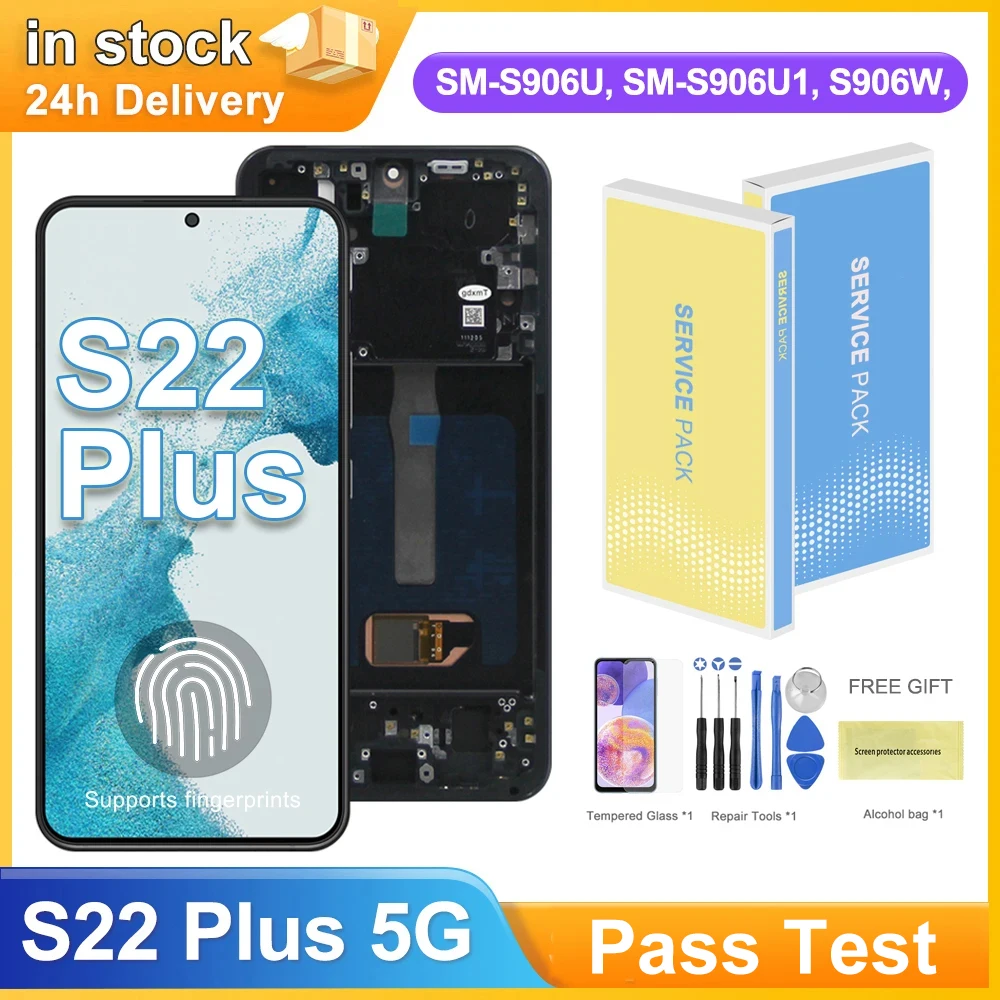
6.6" S22 Plus AMOLED Display Screen for Samsung Galaxy S22+ 5G S906B S906B/DS Lcd Display Digital Touch Screen with Frame
MYR 293.95
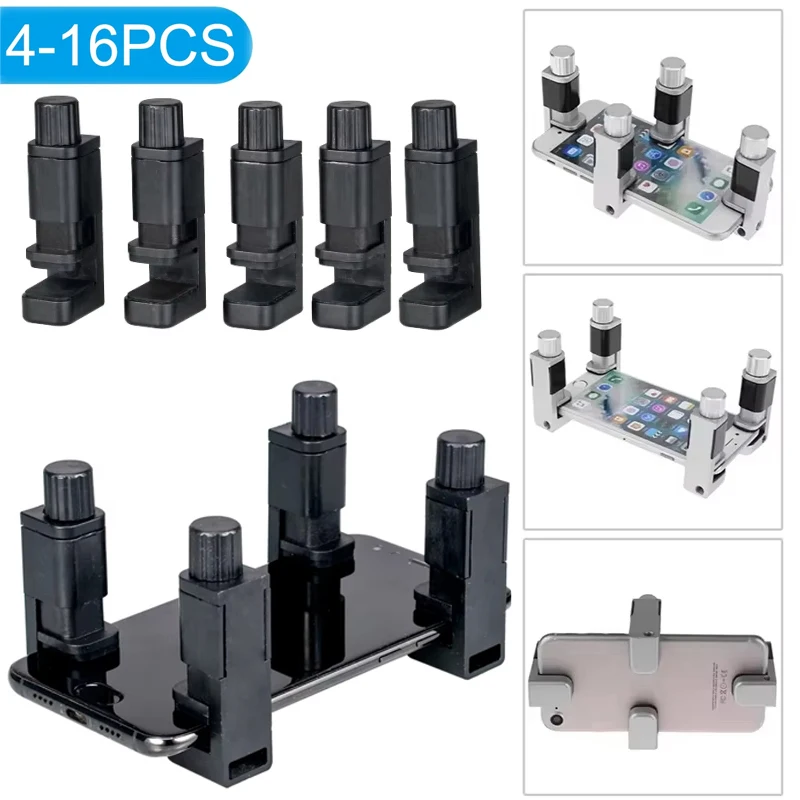
4/16pcs Universal Fixture Clamp Holder Adjustable Mobile Phone Repair Tools LCD Display Screen Fixture Clamp Tablet Accessories
MYR 68.88
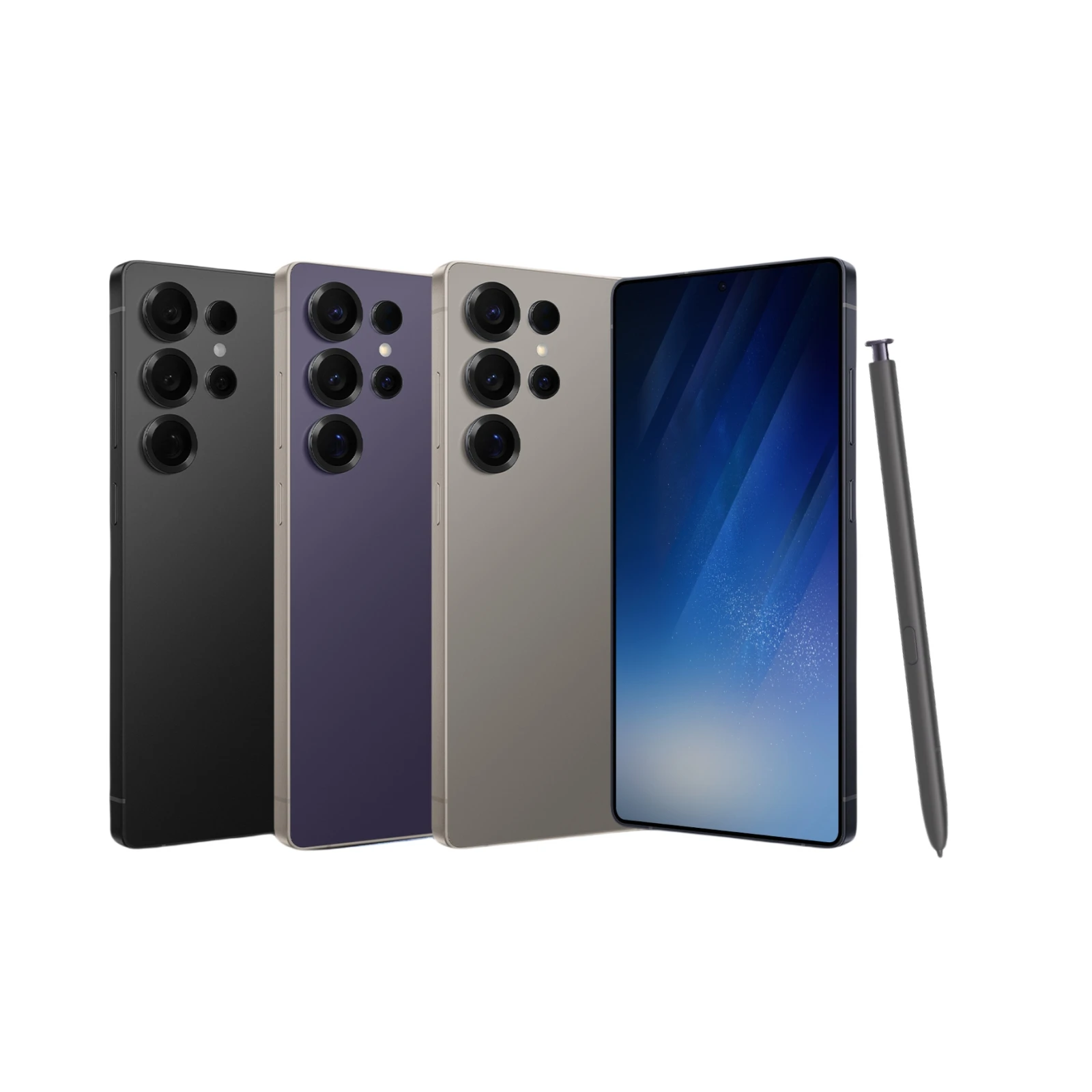 S25 Ultra Smartphone Android 6.8Inch HD 8+256GB ROM 5800mAh 48MP Camera Android 12 MTK Core Google Play Cell phone
MYR 475.04
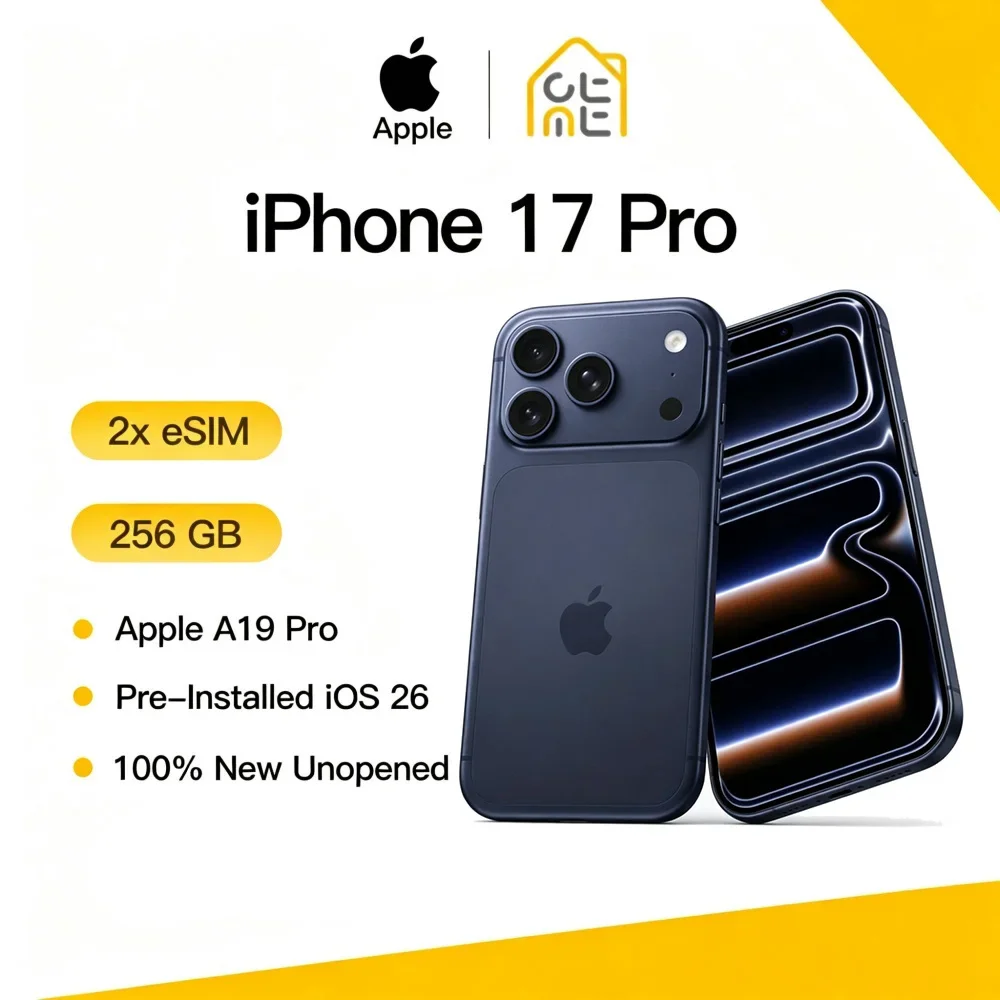 Apple iPhone 17 Pro Original New 12GB RAM 256GB 120Hz ProMotion 6.3" Super Retina OLED Screen A19 Pro Chip 48MP Three Cameras 5G
MYR 8,728.08
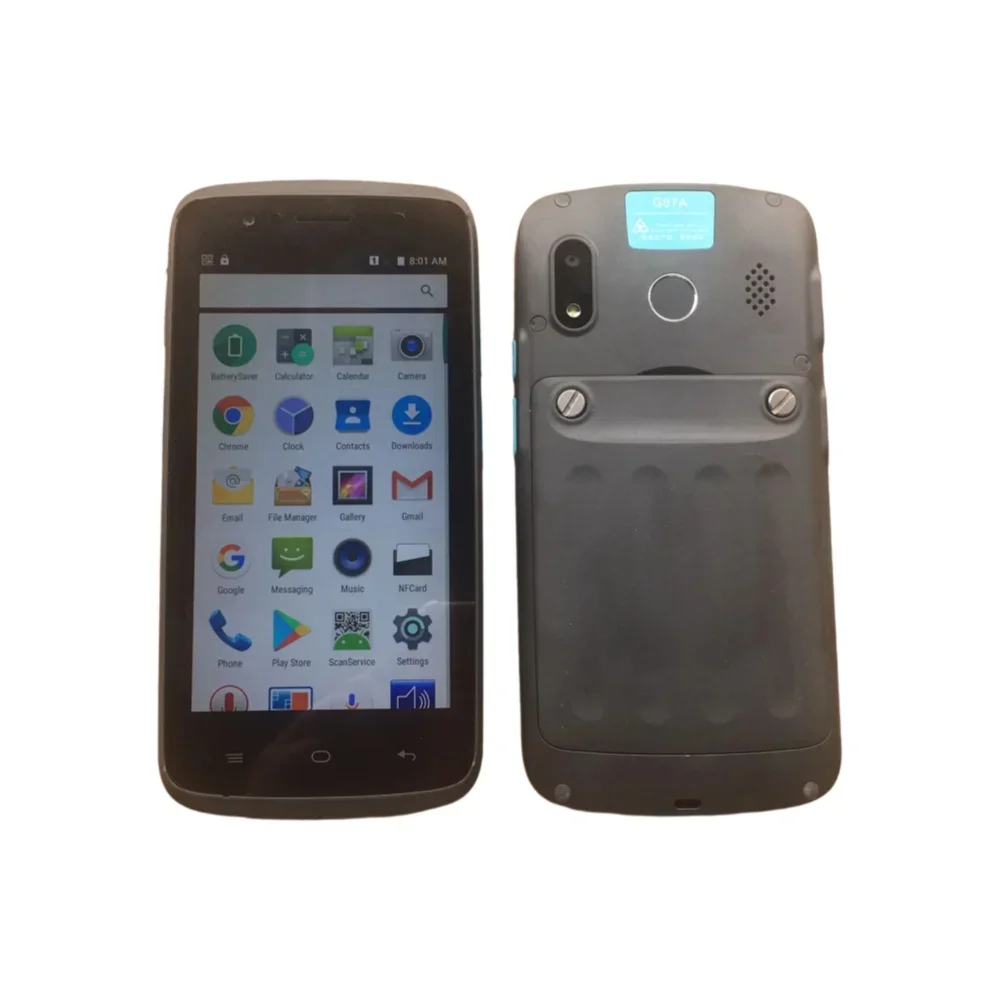 G07A 5.0 Inch IPS Smartphone,2GB RAM,16GB ROM,NFC,Rear Fingerprint,Wireless Charging, Android 6.0,2.0+8.0MP,4000mAh,MTK6737
MYR 137.38
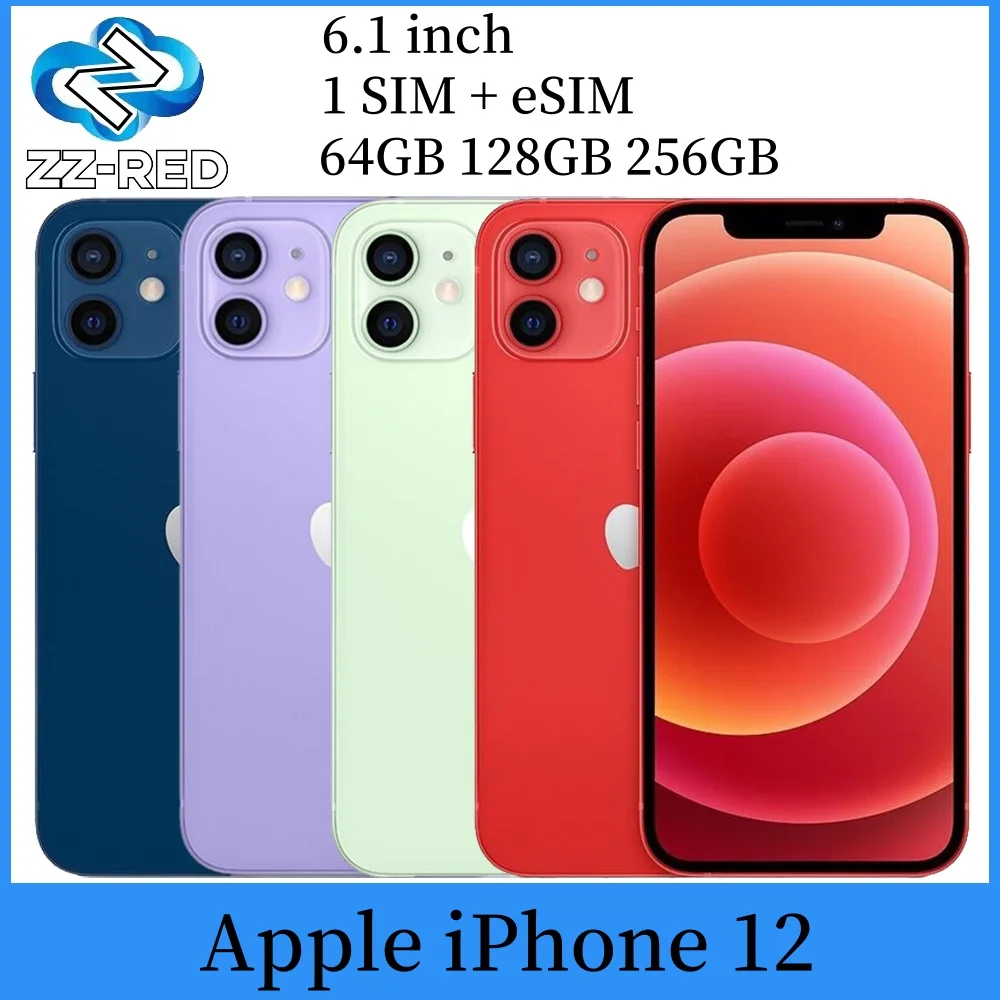 Apple iPhone 12 Used Mobile PhoneUnlocked 5G 6.1" RAM 4GB ROM 64GB 128GB 256GB A14 Bionic Face ID NFC Original
MYR 1,358.25